ENGLISH:
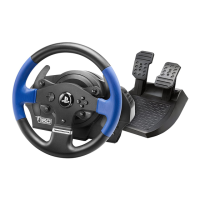
Bootloader method: how to wake your racing wheel if it is no longer
recognized on PlayStation®3 or PC
(i.e. in the event of firmware loss)
Required system: PC running Windows® XP, Vista or 7.
1) If you haven’t already done so, install the DRIVERS FORCE FEEDBACK
(Package 2011_TTRS_5) + Firmware V37 package on your PC. You can download it
here:
http://ts.thrustmaster.com/eng/index.php?pg=view_files&gid=1&fid=2&pid=316&cid=15
During the installation:
- DO NOT CONNECT the racing wheel to the PC before being requested to do so.
- Connect the racing wheel directly to the PC’s USB port. We advise against using a
USB hub during this procedure.
- DO NOT CLICK on any windows that may appear during the update.
2) Restart the computer.
3) After restarting the computer:
- Remove the USB plug from the computer.
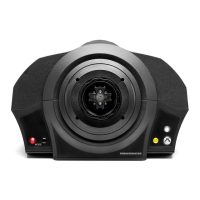
- Simultaneously press buttons L3 and R3 (located on the racing wheel’s base), then
connect (without releasing L3 and R3) the USB plug to the PC.
- After connecting the USB plug to the PC, release buttons L3 and R3.
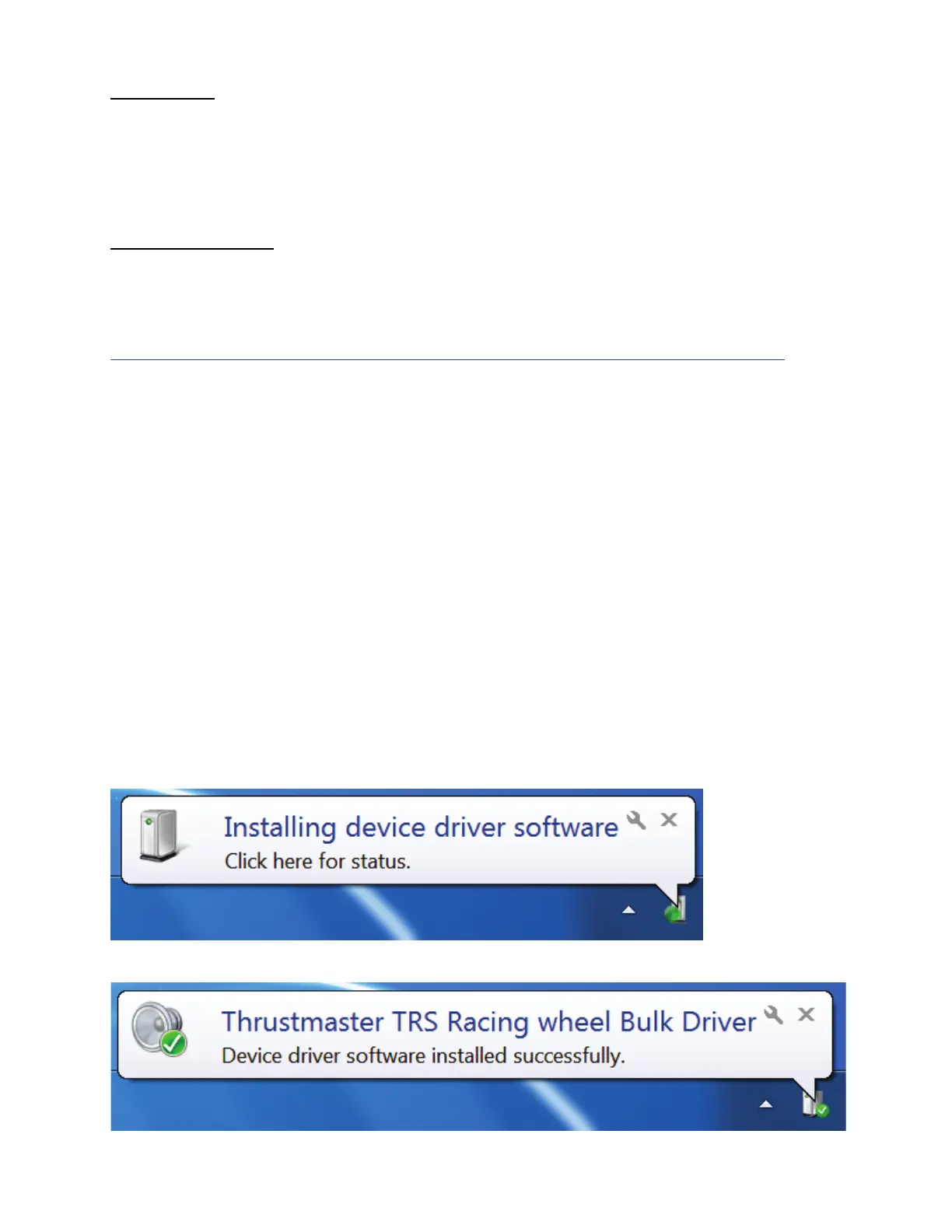
- The following message appears in the lower right-hand corner of your screen (do not
do anything or click on any window during the automatic installation procedure).
- After the installation, a second message appears:










 To Next Page