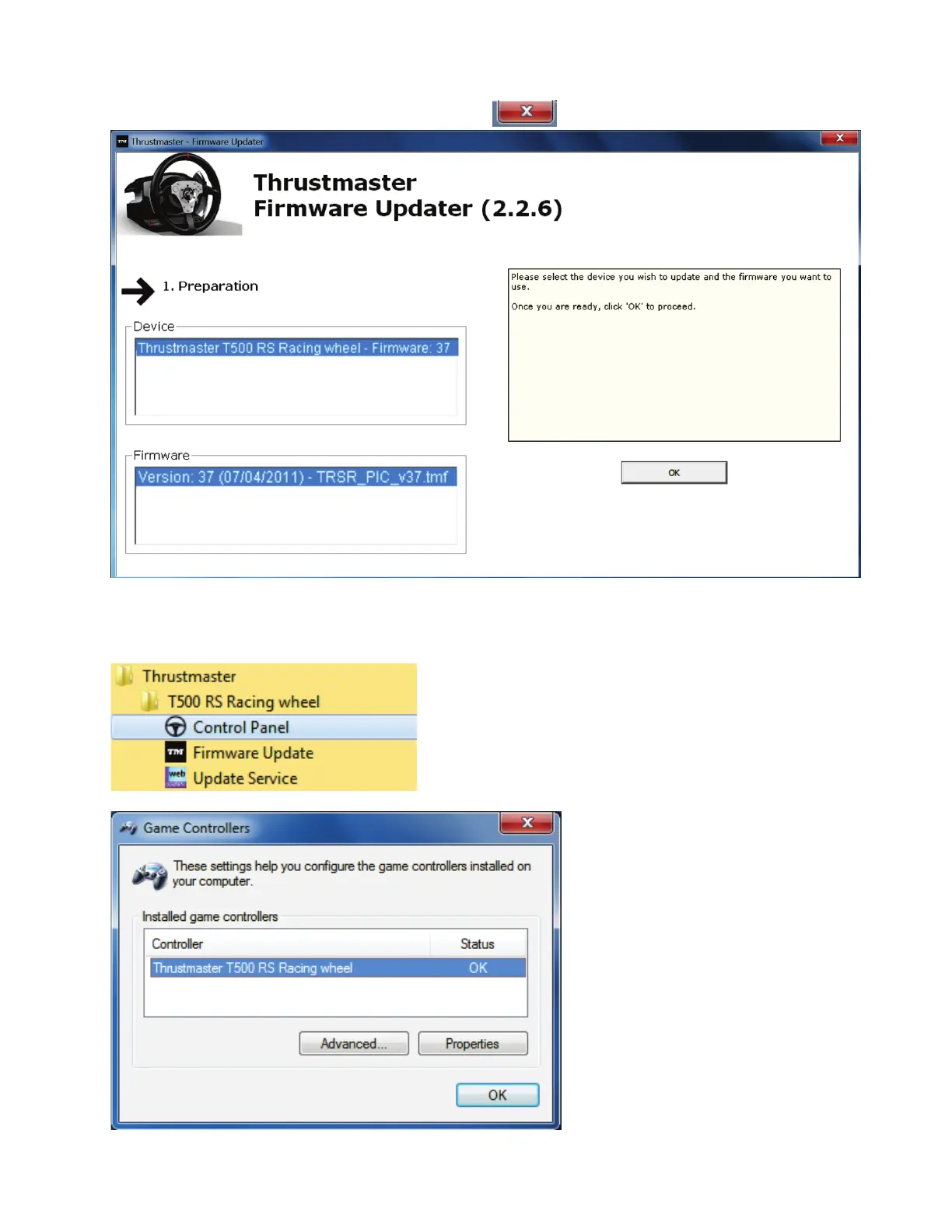
7) Clicca su OK per ritornare alla pagina principale della procedura guidata per
l’aggiornamento del firmware, quindi clicca su per uscire dal programma.
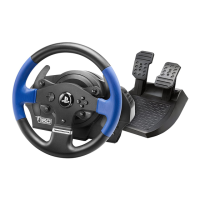
8) Una volta aggiornato il firmware, verifica che il volante funzioni correttamente tramite il
relativo Pannello di Controllo (Start > Tutti i programmi > Thrustmaster > T500 RS
Racing Wheel > Pannello di Controllo).
- Il volante compare con il nome di Thrustmaster T500 RS Racing wheel.
- Per testare il volante, clicca su Proprietà.










 To Next Page