XBOX SERIES X|S / XBOX ONE
INSTALLATION ON XBOX SERIES X|S / XBOX ONE
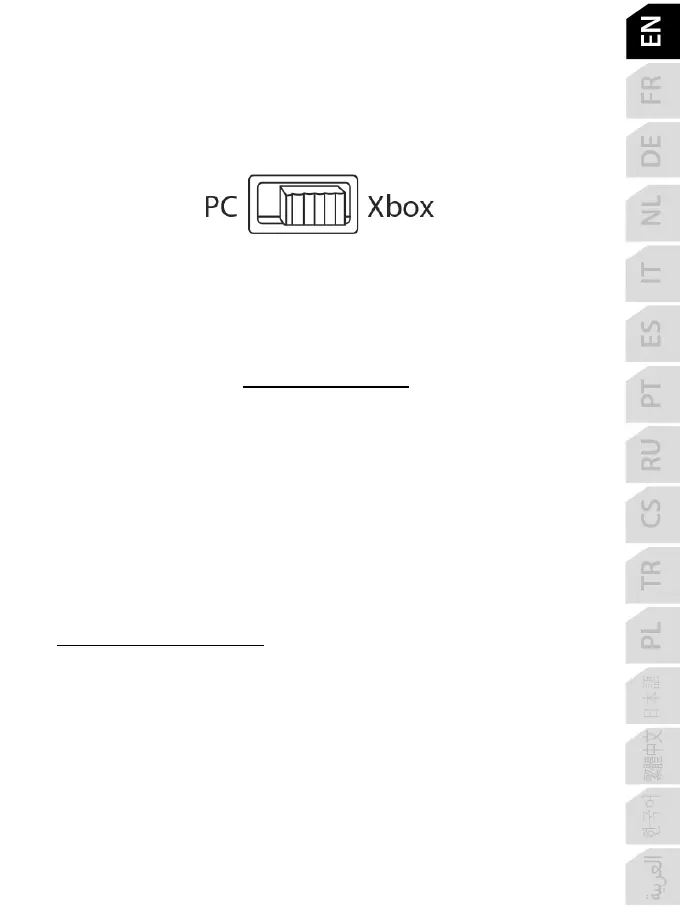
1. Set the selector switch (6) to Xbox before connecting the USB cable.
2. Connect the USB connector (9) to a USB port on the console using the included USB cable.
3. Power on the console.
4. The yoke’s LED lights up in white.
5. Start up a compatible game (supporting Flight Stick mode).
You are now ready to play!
LIST OF COMPATIBLE XBOX SERIES X|S / XBOX ONE GAMES
On Xbox Series X|S / Xbox One, TCA Yoke Boeing Edition:
- is only compatible with games supporting Flight Stick mode;
- is recognized in games as a real joystick (and not as a gamepad), allowing for maximum
responsiveness and precision, as well as access to the joystick options available in these
games.
A list of Xbox Series X|S / Xbox One games compatible with the yoke is available at
https://support.thrustmaster.com
, in the Joysticks / TCA Yoke Boeing Edition section.
This list will be added to regularly with the arrival of new Xbox Series X|S / Xbox One games
compatible with TCA Yoke Boeing Edition.













 To Next Page