8
Using the Accessories
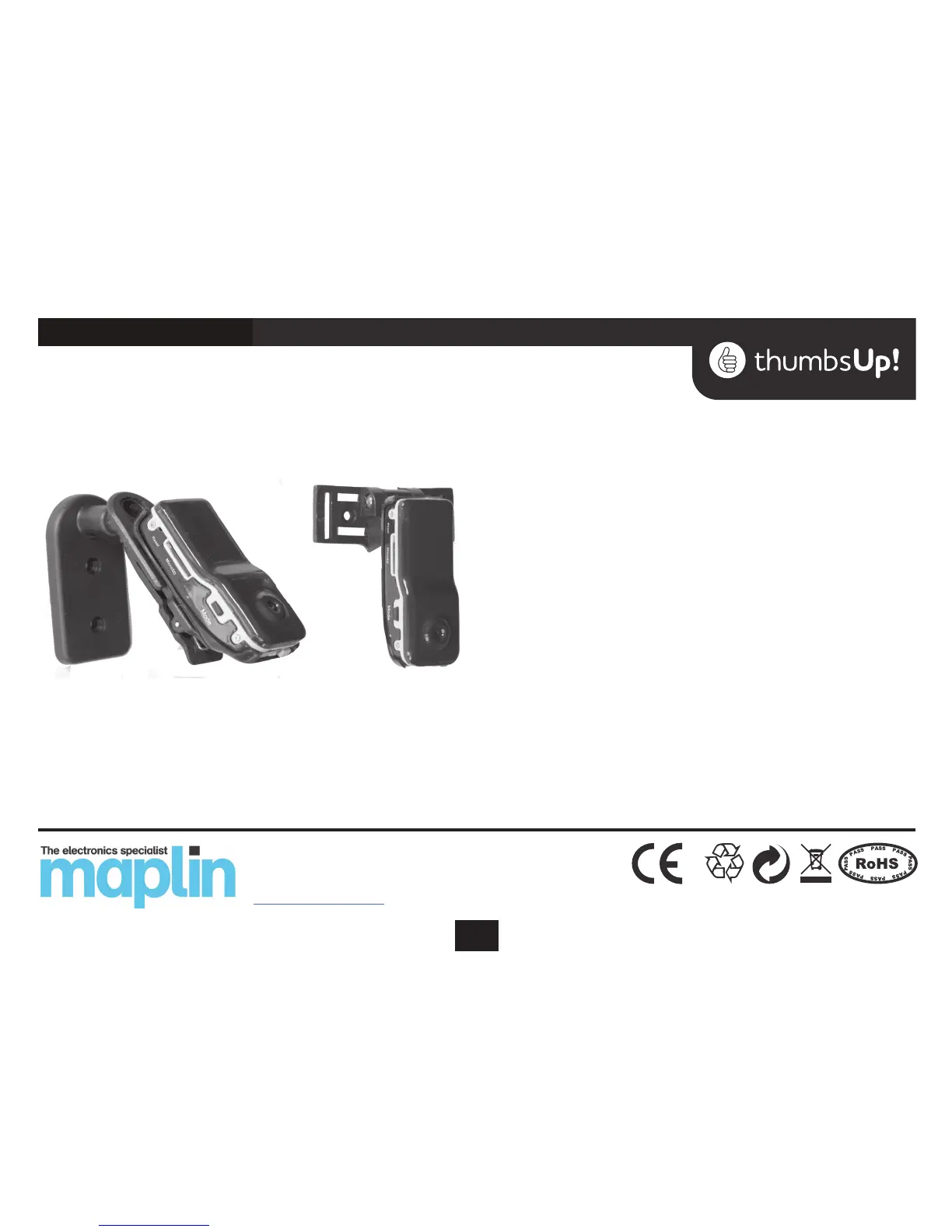
The clips can be used in a variety of combinations depending
on your requirements. Below are two ideas
After Use
Close any software program, and unplug the USB cable from
the camera and the PC
.
IMPORTANT NOTES
Reset
If the DV camera is functioning irregularly, the factory settings
may need to be reset. To do this, use a pin–shaped object to
press the ‘reset’ button on the camera’s side.
Storage
Store the unit in a safe place at room temperature, away from
sources of heat or damp and out of reach of children.
Software upgrades
The manufacturer will occasionally upgrade this product’s
software. Please contact your local retailer for the latest soft-
ware information.
Conditions of Use
Please adhere to local laws when using this camera. Publish-
ing recordings obtained surreptitiously and without the sub-
ject’s consent could constitute an oence.
DVCAM2
Maplin Electronics Ltd. Unit 1, Brookelds Way,
Manvers, Rotherham, South Yorkshire, S63 5DL
www.maplin.co.uk


 To Previous Page