23
Cycle Order
You can select the cycle order, charge->discharge (CHG->DCHG) or discharge->charge (DCHG-
>CHG), using this setting. To change the order simply press the ENTER button once then use the +/
– buttons to adjust the order accordingly.
Cycle Number
This allows you to set the number of cycles the charger will automatically perform from 1 to 15. To set
the number simply press the ENTER button twice and use the +/ – buttons to adjust the number of
cycles accordingly.
Cycling the Battery
After setting the correct battery chemistry type, cell count, capacity and charge current rate in the
Charge Mode, and the correct discharge current rate and voltage cutoff in the Discharge Mode along
with the cycle order and number of cycles, you are ready to begin cycling. To begin cycling simply
press and HOLD the ENTER button for a few seconds (please also note that during cycling you can
press and hold the ENTER button to end the charge process).
If the battery is connected properly and the charger confirms that all other parameters are correct,
cycling will begin automatically.
Data Monitoring During Cycling
Throughout (and after) the cycling process you can view/monitor various data. On the main cycling
screen you will see the elapsed duration of the current charge or discharge process, the capacity
that’s been charged into/discharged from the battery, the charge/discharge current rate and the
voltage of the battery.
Also, it will be possible to identify whether the charger is charging or discharging for the current cycle,
as well as the number of the current cycle, by looking at the ‘C00D’ info located in the middle of the
upper line on the screen. When the ‘C’ is flashing the charger is charging, and when the ‘D’ is
flashing the charger is discharging. And the number of the current cycle, 01 through 15, will be
displayed between the C and D accordingly.
You can also use the +/ – buttons to switch between the various screens to see the other available
data. For example, when cycling a NiCd/NiMH battery, the first time you press the + button you will
again see the elapsed time along with the average voltage of the battery that will be shown when the
discharge process has ended. Pressing the + button a second time will also show the internal
temperature of the charger and the peak voltage of the battery during the charge or at the beginning
of the discharge process.
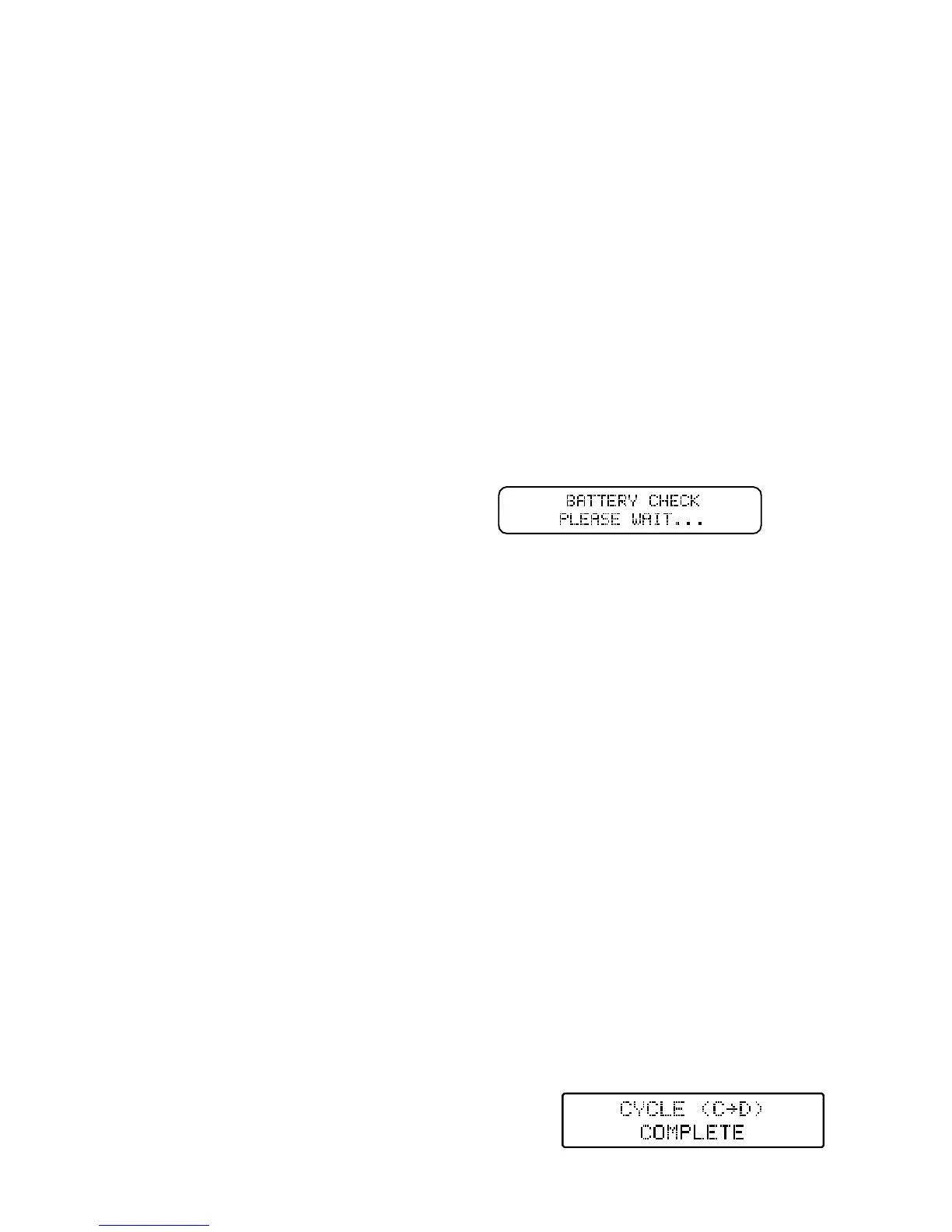
Cycling Complete/End
Discharging will be complete/end automatically when the battery reaches the appropriate per cell
voltage. When this occurs you will see the following screen:
From there the charger will check the battery
while displaying the following screen:



 To Next Page