
 Need help?
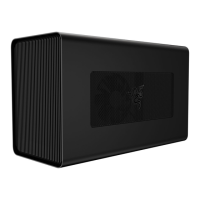
Do you have a question about the Thunderbolt Razer Core X and is the answer not in the manual?
Guidance on inserting the compatible graphics card into the PCI-E port.
Instructions for re-inserting the thumbscrew and connecting power connectors.
How to connect the Razer Core X to power and a laptop via Thunderbolt 3.
Connecting to a monitor, turning on the device, and system update information.
Crucial warnings for safe operation, preventing fire, shock, or damage.
Guidelines on device usage, handling liquids, heat, and environmental factors.
 General
| Brand | Thunderbolt |
|---|---|
| Model | Razer Core X |
| Category | Enclosure |
| Language | English |

 To Next Page