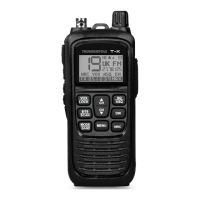
Controls and operation
- 5 -
19. Dual Watch (DW) Button
This button allows you to monitor two channels at once. To use this function, choose the rst channel you
wish to monitor using the Up and Down buttons (7 and 17), then long press the DW button and when the
channel number ashes select the second channel, long press the DW button to set the second channel.
Now to monitor both channels short press the DW button. To stop DW function, short press DW again.
20. Noise Reduction Circuit (NRC) Button
A short press of this button switches on (or off) the Noise Reduction Circuit. This uses an advanced AI
algorithm to extract human voices and cancel out background noise. When on NRC is displayed.
21. Menu Button
Short press this button to scroll through the menu options and use the Up/Down buttons (7 and 17) to
change the selected menu option:
Keypad Tone (on/off) - emits an audible tone when any button is pressed.
VOX (Level 1 to 5) When in VOX mode (8) this allows you to change the sensitivity of the VOX circuit.
Level 1 is the most sensitive and a quiet voice will activate VOX, Level 5 is the least sensitive and a loud
voice will be needed to activate the VOX.
Roger Beep (on/off) - adds a tone to end of every transmission.
HI / LO (Power level) - switches the transmission power between High (4 Watts) and Low (1 Watt). Low
power mode will prolong battery life but the transmission range will be shorter. Button (6) can also be used
as a shortcut to change the power level.
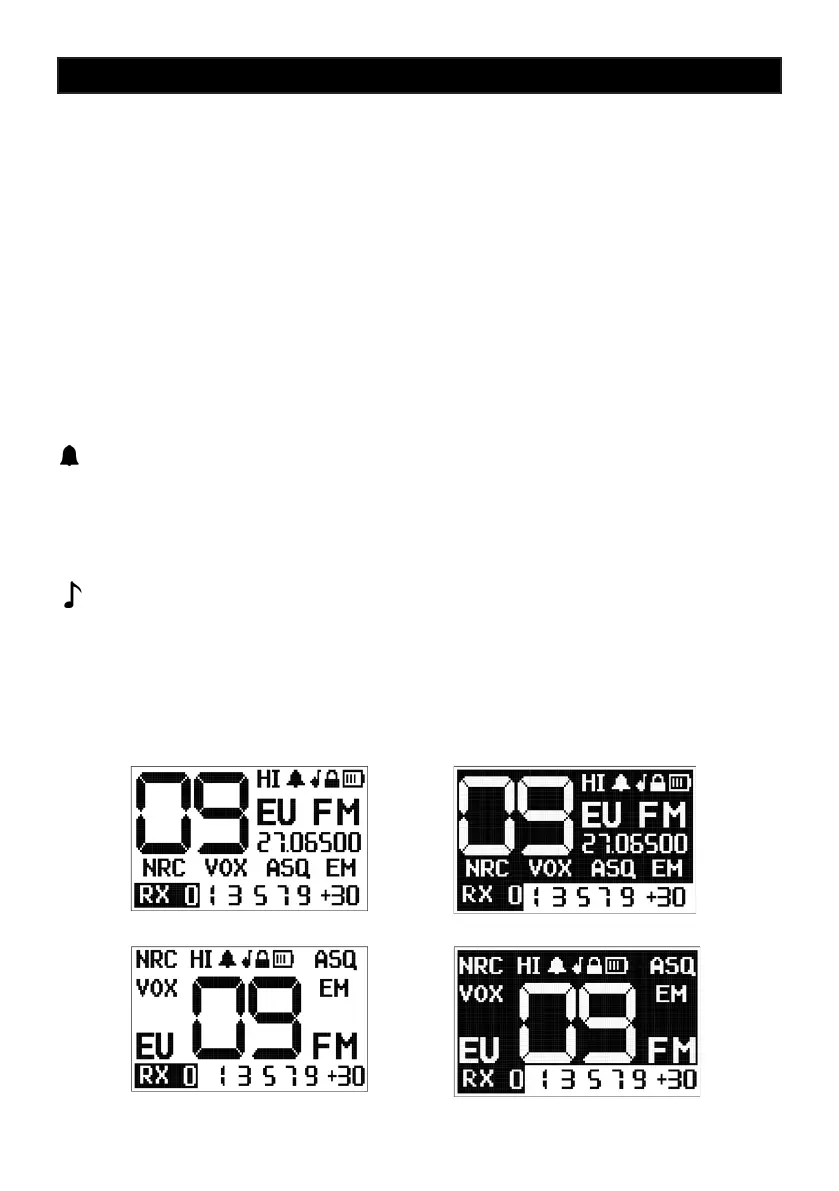
DISPLAY (1 - 4) Choose between 4 different LCD layouts:
1) 2)
3) 4)


 To Next Page
 Loading...