Baudrate: 300, 2400, 4800, 9600, 19200, 38400, 115200 common baud rate optional
Check digit: no test, odd test, even test optional.
Data bits: 7, 8 optional
Stop bits: 1, 2 optional.
Work mode: protocol mode, transparent channel optional
【Channel number: Select the channel number
[COM]: Select the serial number
Device type: PTZ_PELCO_D, PTZ_PELCO_P, PTZ_TC615_P, DOME_PELCO_D,
DOME_PELCO_P optional
Address: selectable from 0 to 255.
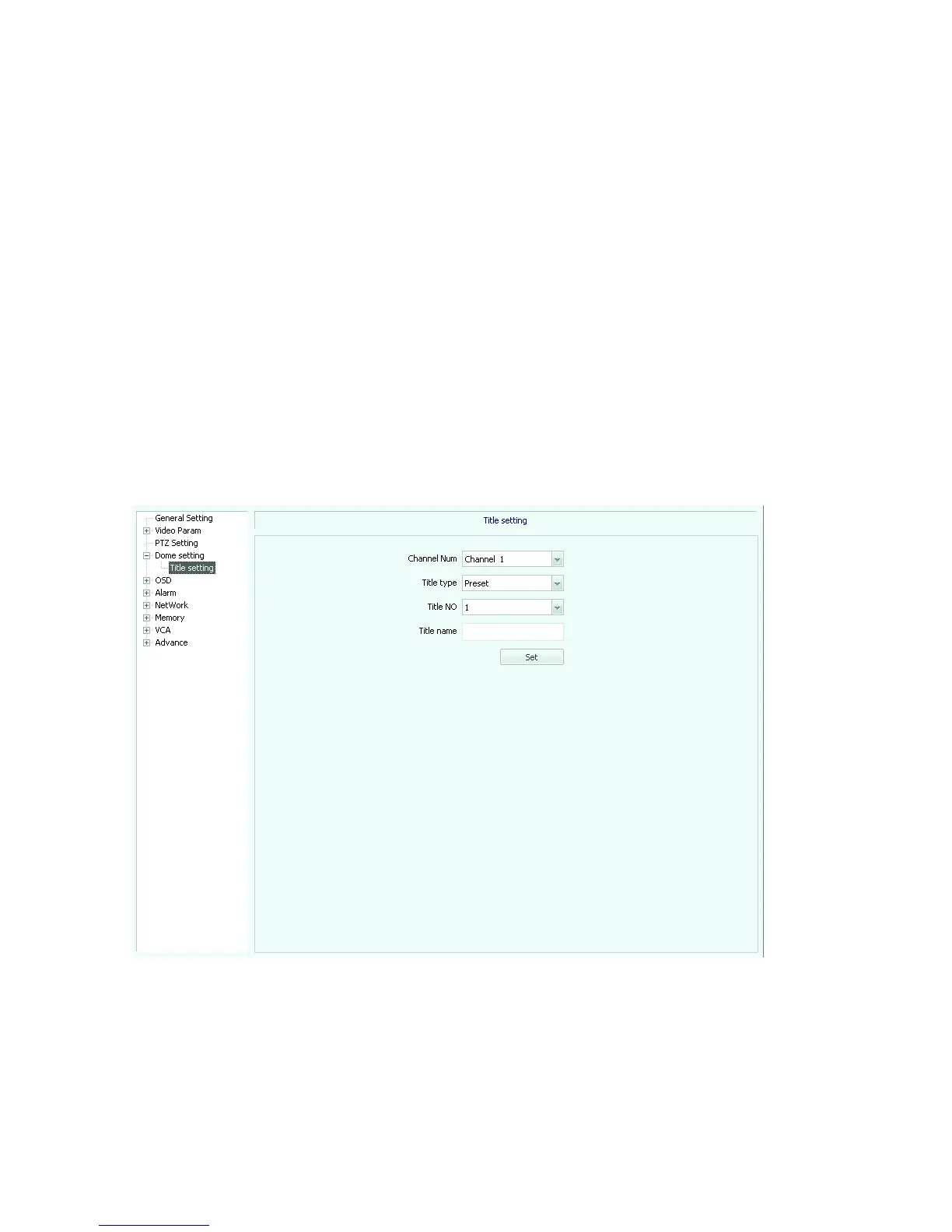
Dome setting (Figure 5.22)
Fig 5.22
[Channel number]: Select an available channel.
Title Type: preset, scan, cruise, pattern path, regional instructions selectable
Title NO: select the title number, range 1-32
[Title Name]: enter the title name



 To Next Page