【Suggestion 2】:Use IE8
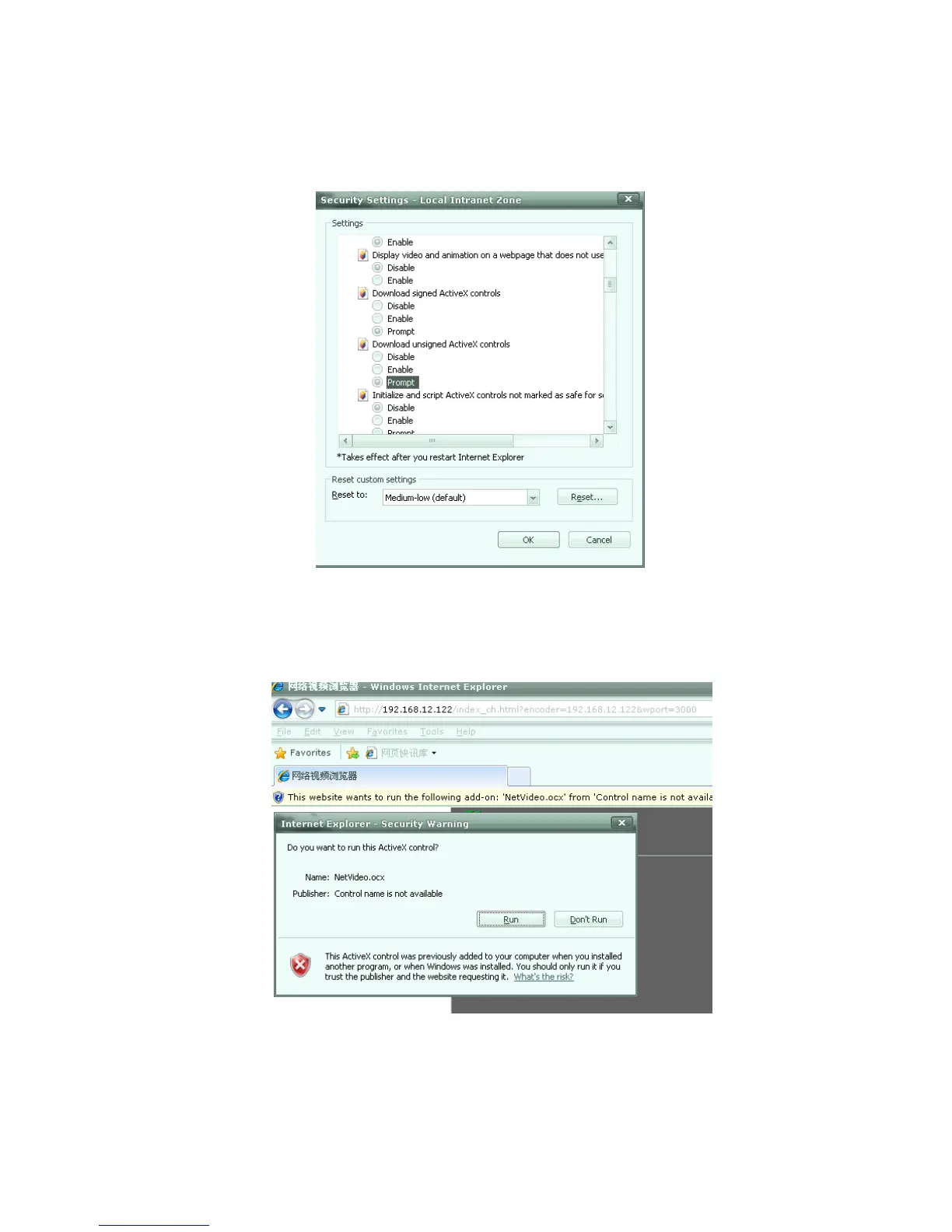
1.Open IE, Internet Zone- Modify configuration of ActiveX in Security setting, click
“Prompt” of unsigned ActiveX as figure 5.4:
Fig. 5.4
2.Open IE8, and then log on. Please operate the ActiveX when it shows safety warning
as figure 5.5.
Fig. 5.5
3.Modify permission setting- Enable local directory path when uploading files to a server
as figure 5.6.



 To Next Page