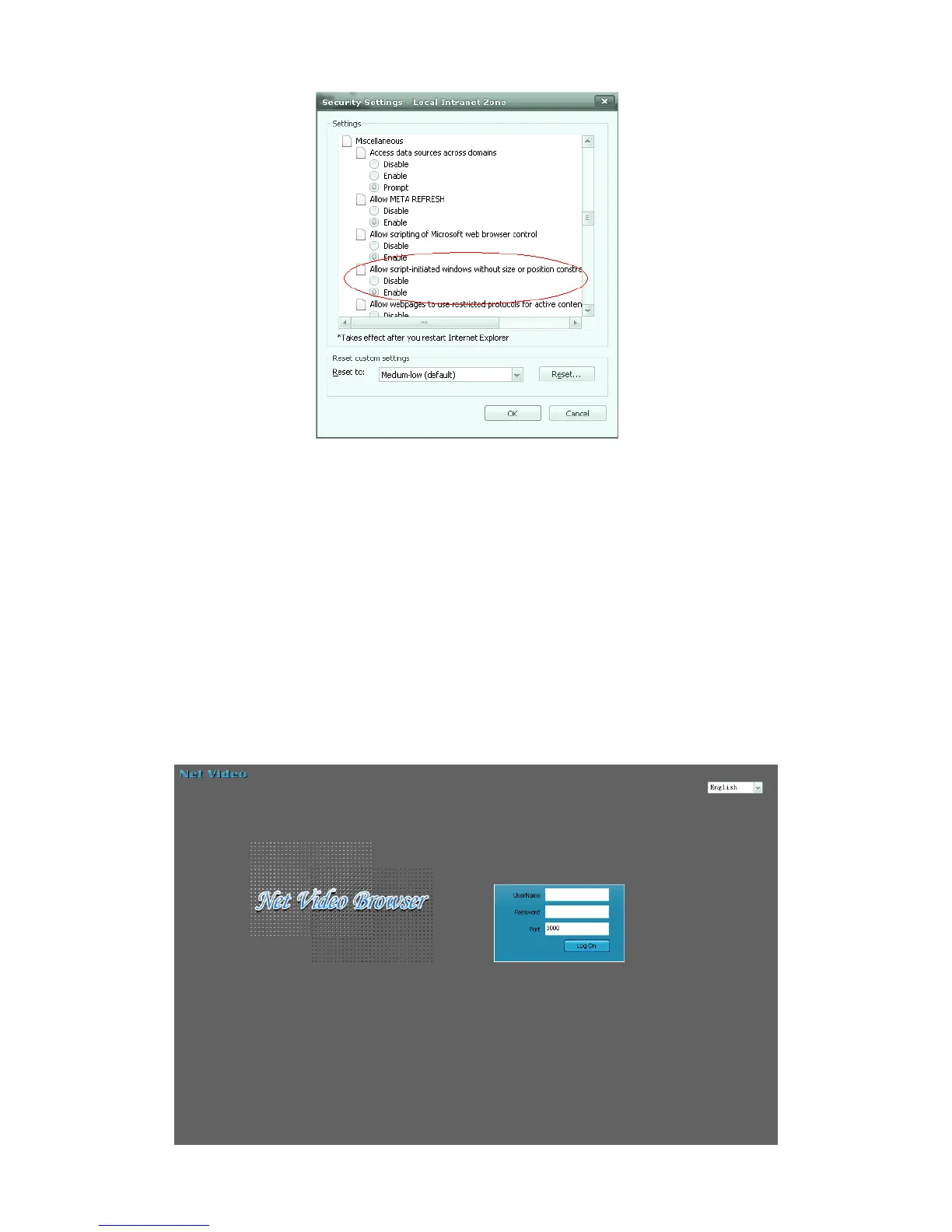
Fig. 5.6
【Notice】:It is suggested that the setting above mentioned should be return to safe
level for your IE’s safety.
● System Log-on
Ensure the PC and network video equipment’s IP address in the same network segment:
etc. PC is 192.168.1.1, and network video equipment is 192.168.1.2. Open IE, inputting
the IP address in address bar. Then click “go to”, it’ll show up as figure 5.7 meantime. If it
has prompt about download the ActiveX with YES or NO, please check “YES”. After
finished the downing in few minutes, the figure 5.7 will show up



 To Next Page