Fig. 5.7
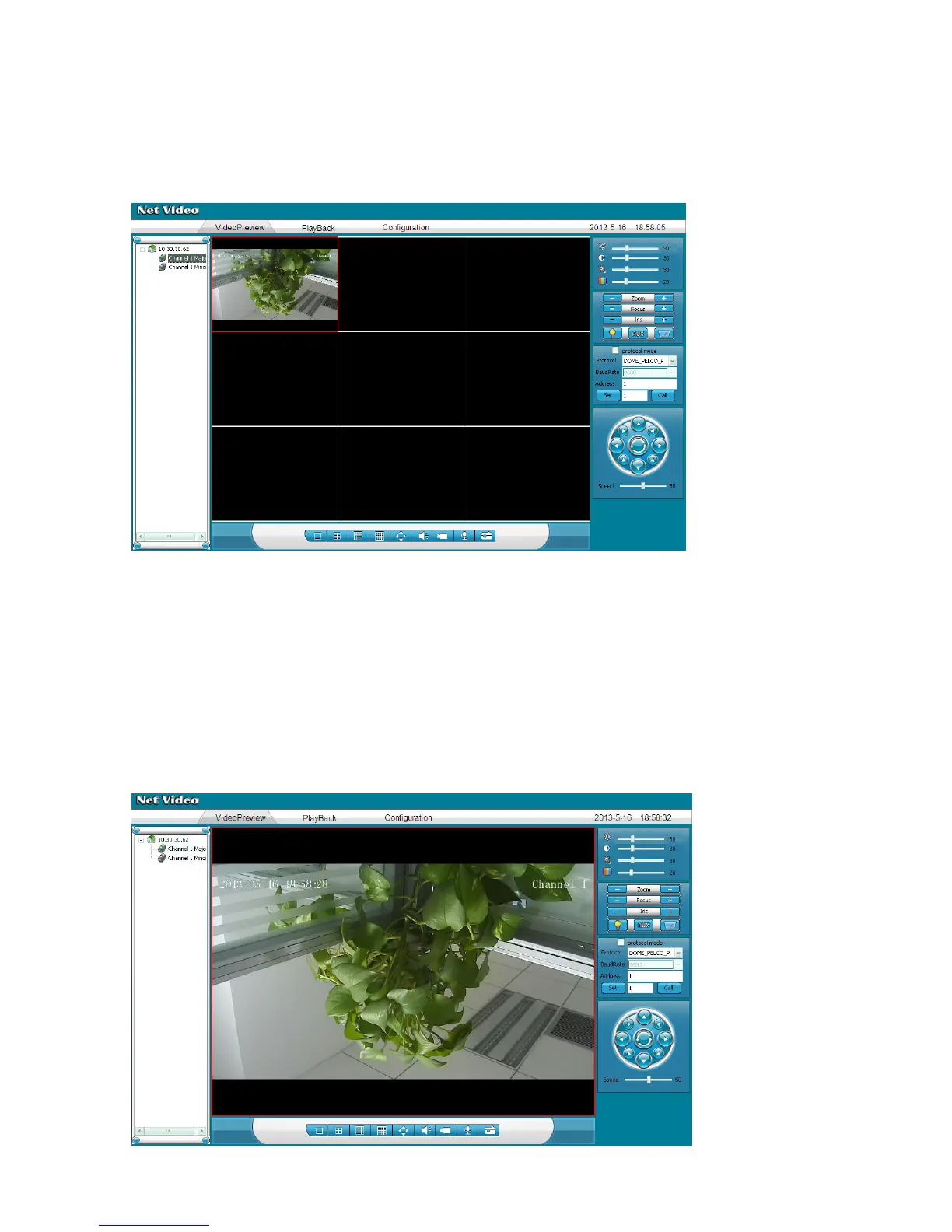
Input the User Name and password in the logon window on the right: Admin/1111
(correct case). It’ll link the picture after clicking “logon”. (As figure 5.8)
Fig. 5.8
【Notice】: If video cannot display correctly, it is suggested to install ActiveX as < IE
Setting> for one more time.
● Device Control
It is used to control PTZ and lens, ex. PTZ direction, focus, zoom and contact closure
such as light, power and rain brush output as figure5.9



 To Next Page