[SMTP port]: Set the mail SMTP server port number.
Email account: Set up e-mail login user name.
[Email password: set up the email login password.
Email mode: set up a email SMTP server login mode, optional off, plain, cram-md5,
digest-md5, gssapi, external, login, ntlm.
[Main e-mail Address]: set up the primary address to send, also can be set up the rest of
the three email addresses.
[The mail subject]: Set the theme sent.
Network parameters
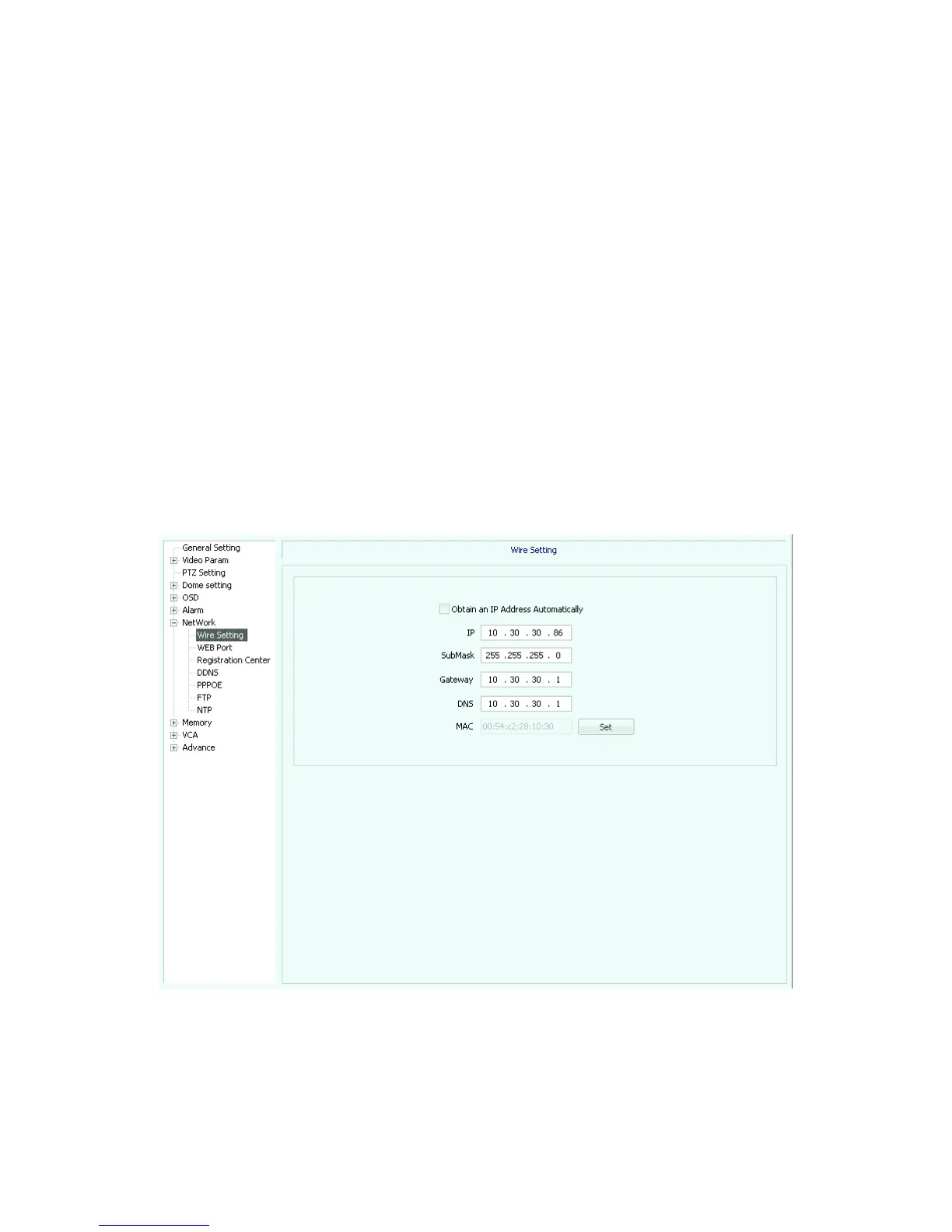
Wire setting (Figure 5.32)
If you want to automatically obtain IP, check “obtain an IP address automatically”,
manually enter IP set according to the actual situation.
Fig 5.32
WEB PORT (Figure 5.33)
Set up WEB PORT,see Figure 5.33



 To Next Page