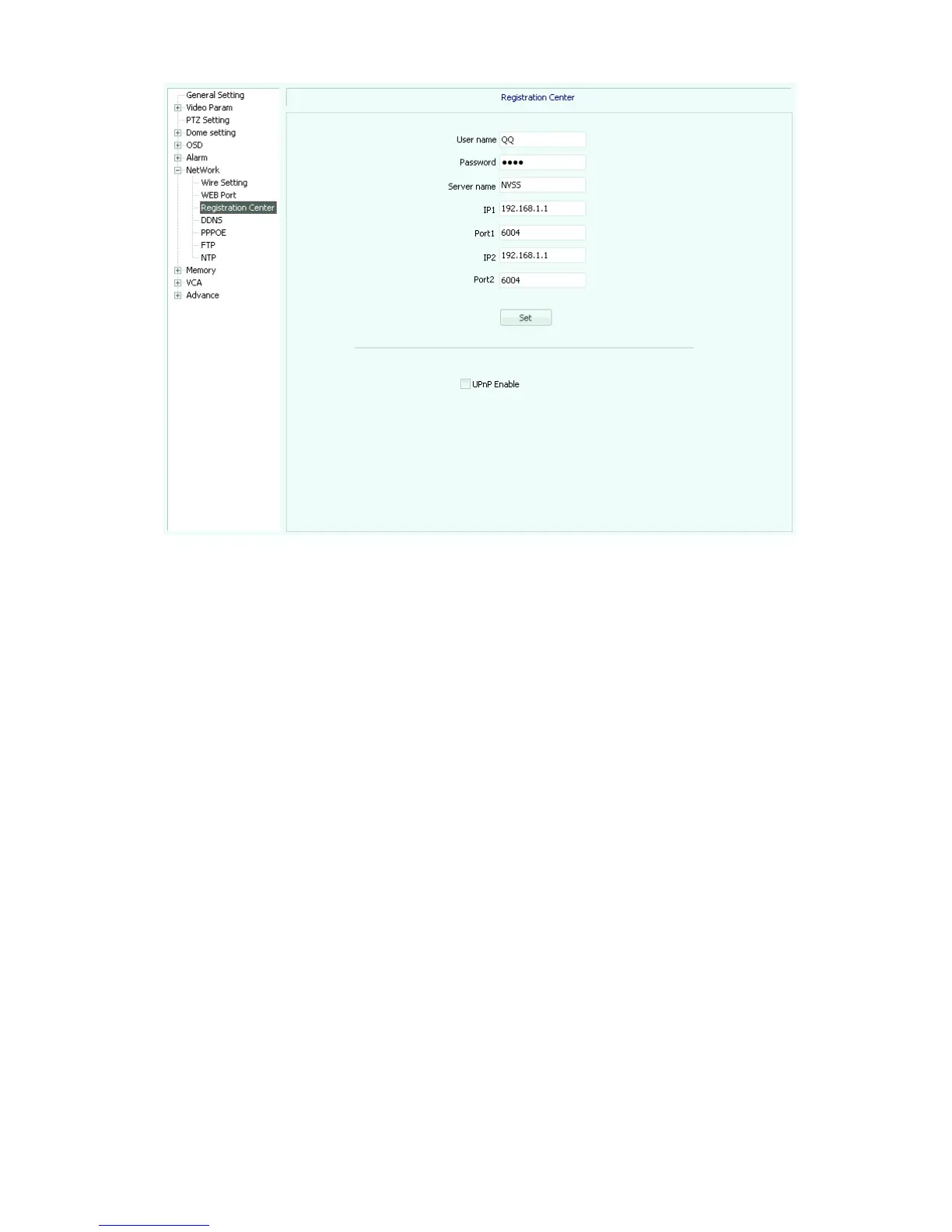
Fig
5.34
DDNS (5.35), check the "DDNS Enable" box.
How to use:
Login www.3322.org, register users. And add XXX.3322.org, where XXX is the name of
the user-defined, mapped server used to bind the need.
Enable the network video server dynamic domain name resolution, fill out the option as
below:
[Server domain]: fill in the domain name registration in www.3322.org XXX.3322.org.
[DNS domain] Select www.3322.org server.
[Port]: Server Web port.
Username / Password: to fill registered user name and password. in www.3322.org. After
all fill confirmed, click “Set”.



 To Next Page