【channel】: select available channel number
【record status】: select suitable record status
【date selection】: set date of existing record or if select timing record you can set
recording period through that.
【disconnect record】: set if record or not in disconnection condition.
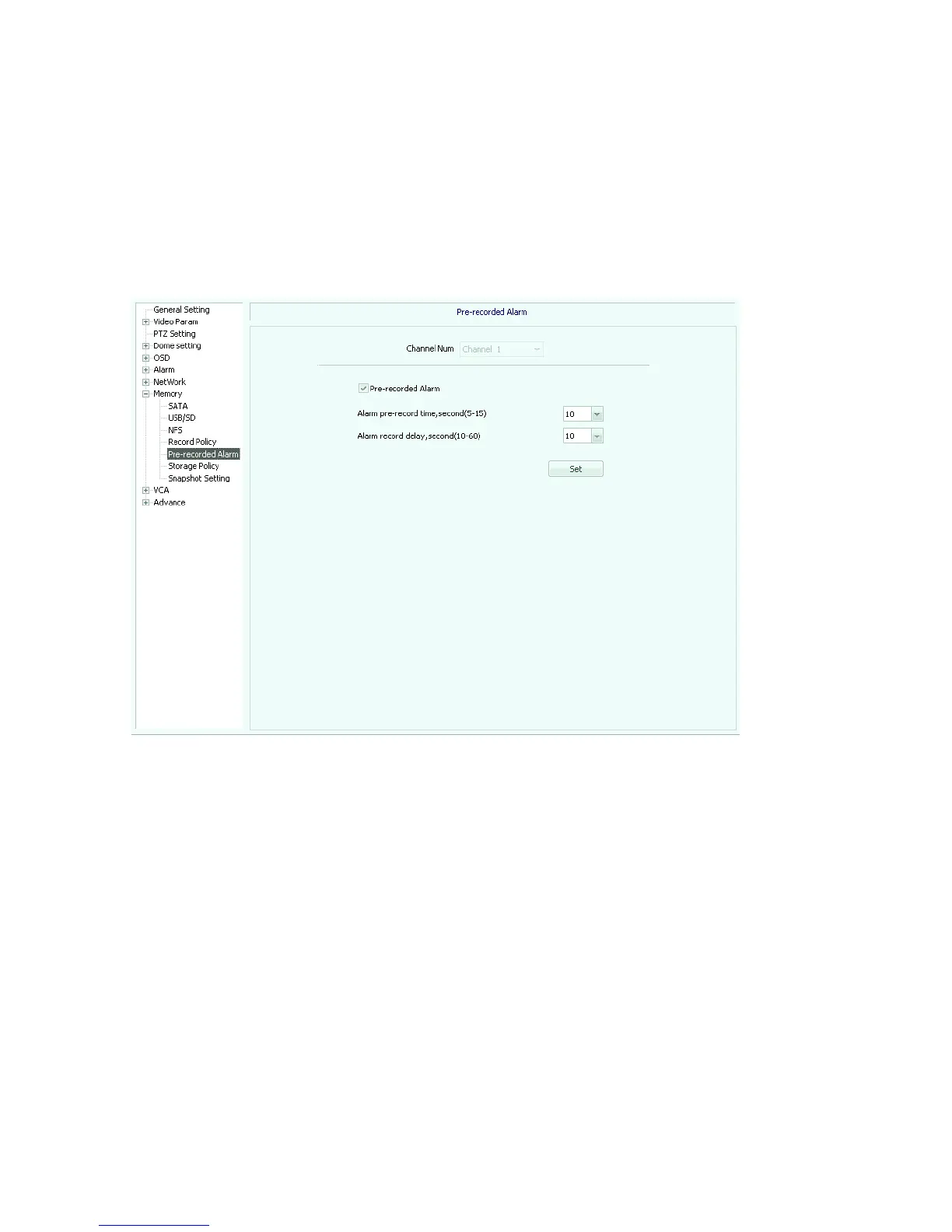
Pre-recorded alarm(see picture 5.43), activated by checking of “pre-recorded alarm”
Picture 5.43
【channel number】: select channel number
【alarm pre-record time】: selectable 5、10、15 second
【alarm post-record time】: selectable 10、15、30、60 second
Storage policy(see picture 5.44)
【pack by time】: selectable 10、20、30、60 minute
【pack by size】: choose 20-200 figure(not available now)
【free disk space】: cannot be less than 200MB。
【storage policy】: select to stop record, round delete and round delete except alarm files.



 To Next Page