【channel number】:Select channel number
【rule ID】:selectable 1~8 rule ID,and display rule name and event.
【schedule settings】:select Monday, Tuesday…..to Sunday, check it and set time period
of schedule.
【link type】:enable to link to PTZ
【link channel】:select available linked alarm channel
【link PTZ type】:select to ignore linkage, preset, track and cruiser path
【number】: If linked PTZ type is set for preset, track and cruiser path, put number here.
Advanced option
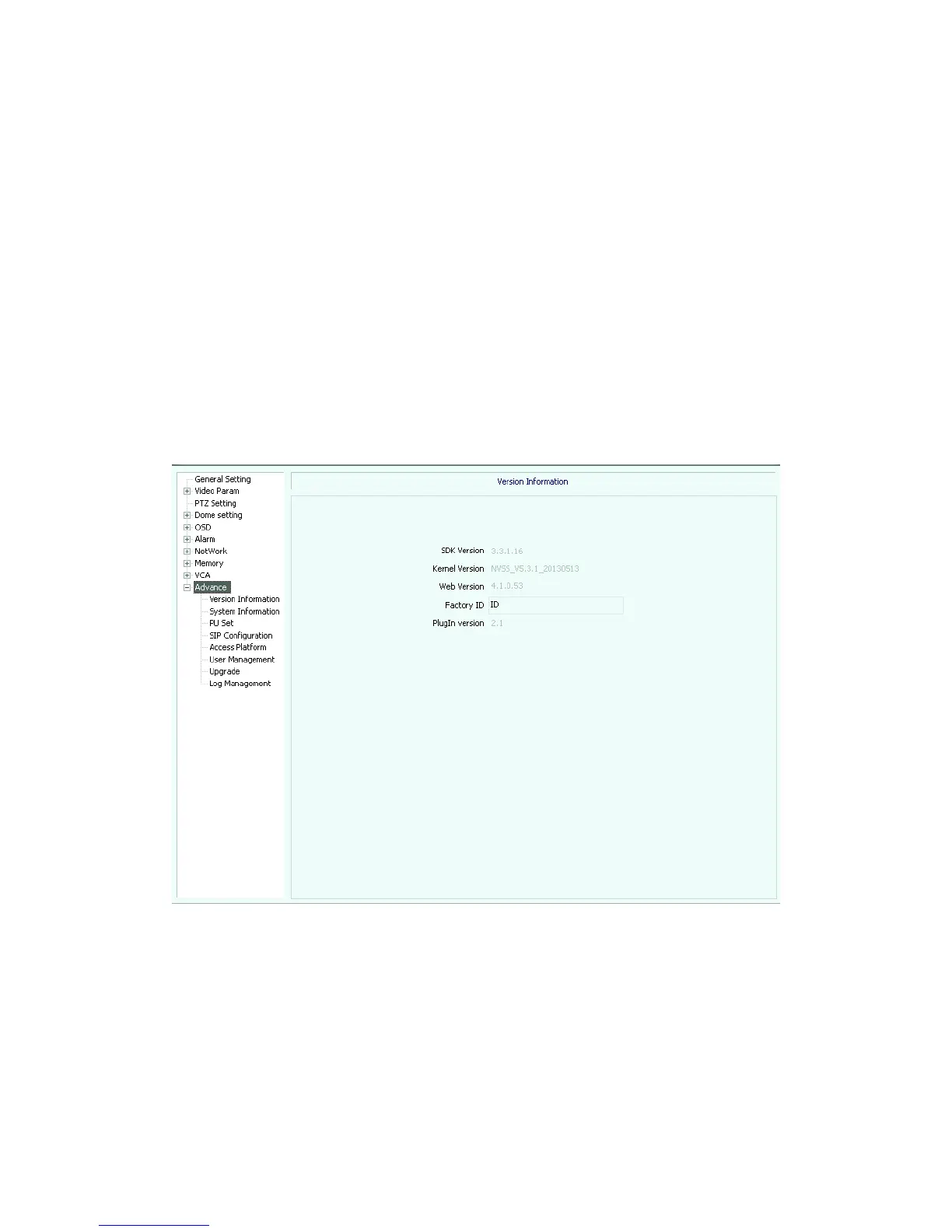
Version information(see picture 5.50)
Picture5.50
System information(see picture 5.51)



 To Next Page