EasyManua.ls Logo

Tibo TI435 DAB - User Manual

Tibo TI435 DAB
15 pages
Print Icon
To Next Page IconTo Next Page
Loading...
!
!
!
!
!
!
!
!
!
!
!
!
!
!
!
!
!
!
!
!
TI435 DABUser
Manual
!

Other manuals for Tibo TI435 DAB

Questions and Answers

  • B
    brandygreenJul 27, 2025
    What to do if my Tibo TI435 DAB has no sound?
    • Z
      zimmermanbarryJul 27, 2025
      If your Tibo Radio is producing no sound, there are several potential causes. First, check that the volume control isn't at its lowest level; use the remote or the amplifier to increase the volume. Also, ensure the RCA cable is properly inserted. Finally, the aerial may not be picking up a signal, so try moving the aerial to improve the connection.
  • K
    Katelyn RogersAug 2, 2025
    How to fix a Tibo TI435 DAB with no power?
    • R
      Ronald HarveyAug 2, 2025
      If your Tibo Radio has no power, make sure the power switch is turned on. Also, check that the power cord is properly connected and readjust it if necessary.
  • S
    Shawn ByrdAug 8, 2025
    What to do if Tibo TI435 DAB suddenly has no sound?
    • Z
      Zachary BarnesAug 8, 2025
      If your Tibo Radio suddenly stops producing sound during operation, it might have entered overheat protection mode; leave the tuner for a while to cool down. Also, check that the RCA lead is properly connected. Finally, ensure the aerial hasn't moved or become disconnected; readjust or reconnect it if needed.
  • A
    Angela RamirezAug 15, 2025
    Why does my Tibo TI435 DAB have bad or distorted sound?
    • V
      Victoria WilliamsAug 15, 2025
      If your Tibo Radio's sound is bad or distorted, it could be due to an audio source problem. In this case, perform a factory reset. It may also be caused by a bad or no signal from the aerial, so try readjusting the aerial.
  • J
    Jennifer WestAug 20, 2025
    What to do if my Tibo TI435 DAB Radio tuner is not picking up a specific radio station?
    • F
      Francisco ArmstrongAug 20, 2025
      If your Tibo Radio tuner isn't picking up a specific radio station, it could be because the tuner is not in range of the frequency of that radio station or that the tuner has reached its maximum capacity of storable stations. If the tuner has reached its maximum capacity of storable stations, perform a factory reset and scan again.

Summary

Safety Information

Installation location

Details suitable and unsuitable locations for the appliance to ensure proper ventilation and prevent overheating.

Cleaning and maintenance

Provides guidance on cleaning the appliance using a soft cloth and neutral solution, avoiding harsh chemicals.

Repacking the appliance

Instructions for using original packaging to prevent damage when sending the appliance via a transport company.

Introduction

First time system setup

Front panel layout

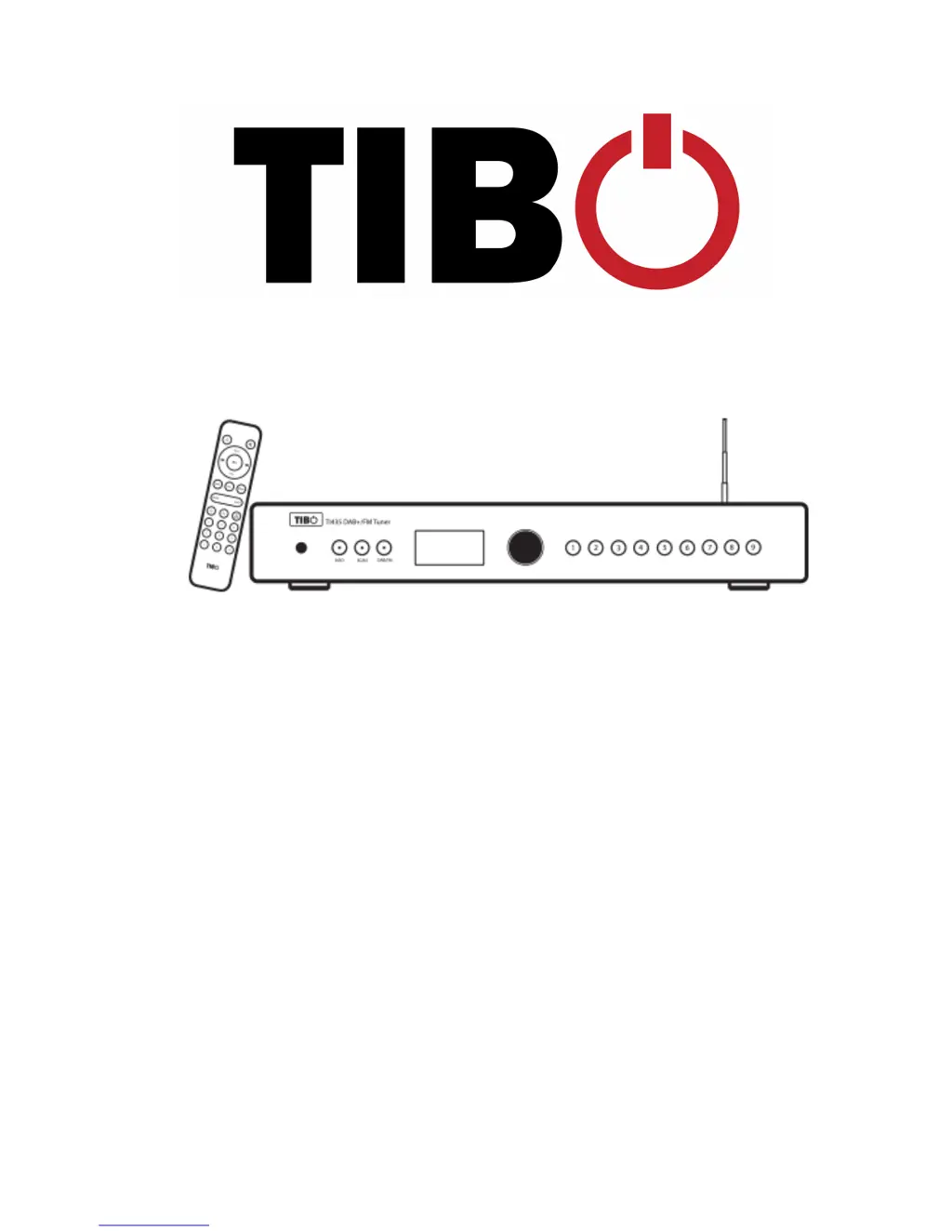
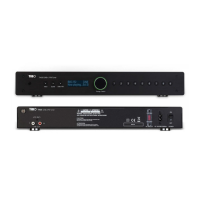
Identifies and explains the functions of the TIBO TH35 DAB+/FM Tuner's front panel controls and display.

Rear panel layout

Details the connections and ports available on the rear panel of the TIBO TH35 DAB+/FM Tuner.

Remote Control

DAB mode

FM mode

Using the pre-set functions

Additional Information

Info Button - Secondary Menu

Explains secondary menu options for DAB/FM modes, including scan and language settings.

Factory Reset

Instructions to restore the tuner to its original factory settings via the info button and dial.

Troubleshooting

Specifications

Tibo TI435 DAB Specifications

General IconGeneral
DAB/DAB+Yes
FMYes
BluetoothYes
TypeDAB Radio
DisplayLCD
Presets20
Inputs3.5mm AUX input
OutputsHeadphone 3.5mm
FeaturesAlarm, Sleep Timer