Pag. 4 / 8 0CAR6IN016500
1. ON/OFF
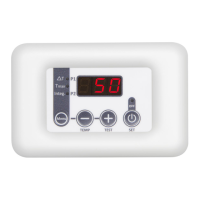
To turn the controller ON/OFF press of the K4 button.
The OFF state is signalled with the OFF led.
If the function is enabled (P06=1), when the manifold temperature (T1) is less than the thermostat A03
The device turns ON the P1 pump according to times t05=ON and t06=OFF
The display shows ICE
By pressing for about 5 seconds the K3 button the P1 pump is activated for t07 seconds.
Pressing again for 5 seconds the K3 button the time increases by t08, and the system moves on to the
Hydraulic Filling function. To stop the function, push again the K3 button
4. TEMPERATURE Visualization
The device displays the temperature of the manifold probe, the Leds indicate the outputs status. By
pressing the K2 button the probes temperature will be displayed in sequence for 5 seconds
5. MAIN Menu: The parameters are listed in Table 1.
Push the K1 button to enter into the Menu
The display shows the current set-value, signalled by the corresponding blinking led
To modify:
Select the value to modify
Keep pressing K4 and simultaneously press K3 and K2 to increase/decrease the value
To memorize wait for about 5 seconds or scroll the values with K1 button
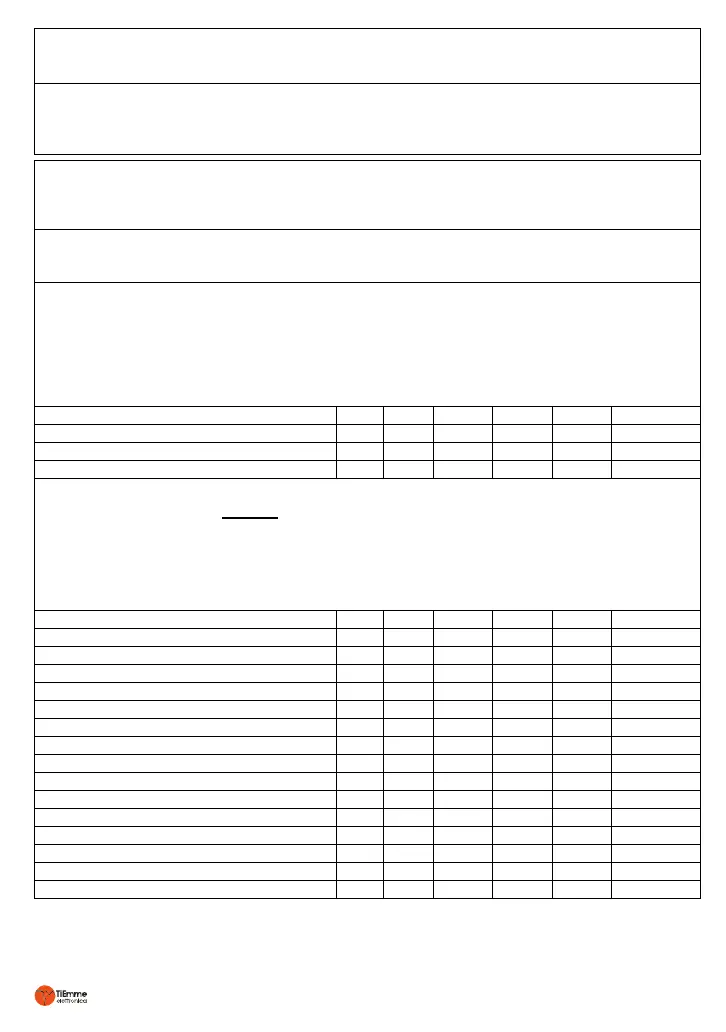
Table 1: MAIN Menu Parameters
Differential Thermostat T12
Boiler Max Thermostat T3max
Integration Thermostat T3min
6. SECONDARY Menu: The parameters are listed in Table 2.
To enter in the MENU press together K2 and K3 buttons for about 5 seconds
To visualize and scroll the parameters’ labels use K3 or K2 buttons
To visualize the parameter value press K4
To modify, keep pressing K4 and simultaneously press K3 and K2 to increase/decrease the value
To visualize again the parameter list and save, press K4
To exit and sve wait about 5 seconds
Table 2: SECONDARY Menu Parameters
Manifold Safety Thermostat T1sic
Boiler Safety Thermostat T2sic
Boiler Safety Thermostat T3sic
Manifold Protection Thermostat T1Pro
Safety Thermostat Hysteresis iSic
Protection Thermostat Hysteresis iPro
Differential Thermostat Hysteresis i12
Max Thermostat Hysteresis on T3 iT3max
Integration Thermostat Hysteresis iT3min
Time ON of P1: ICE Function
Time OFF of P1: ICE Function
Time ON of P1: TEST Function
Time ON of P1: Hydraulic Filling Function


 To Next Page
 Loading...