5
CONTROLS
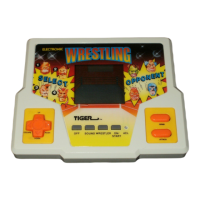
OFF - Press to turn OFF the unit. The unit also
shuts off after three minutes of no action.
SOUND - Press to turn the SOUND ON.
- Press to turn the SOUND OFF.
PAUSE - Press to PAUSE the game.
ON/ START - Press to turn the unit ON.
- Press to start the game.
- Press to start each new match.
- Press to exit pause.
“
“ - If your opponent is on the ground, press ,
to attack your opponent off the ropes.
“
” - If your opponent is on the ground, press
to go for the pin.
“
“ - When selecting your wrestler, press to
choose Hollywood Hogan.
“
” - When selecting your wrestler, press to
choose Goldberg.
OBJECT OF THE GAME



 To Next Page