vi
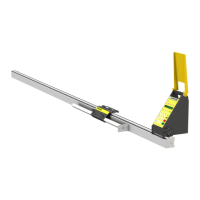
Enable your SawGear Touch
SawGear Touc h wo n ’T fu n cTion unTi l iT i S e nab le d.
1. Fill out the warranty registration form at TigerStop.com/service-center/#warranty-registration.
2. TigerStop
®
Customer Service will email you the enable code during business hours, Monday-Friday 6am-
4pm PST. You can also request the code by phone.
3. After installing SawGear Touch, power it on and follow the '1st Power-On' (page 15) instructions.



 To Next Page