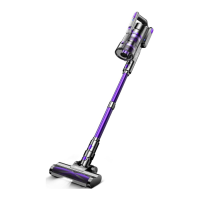
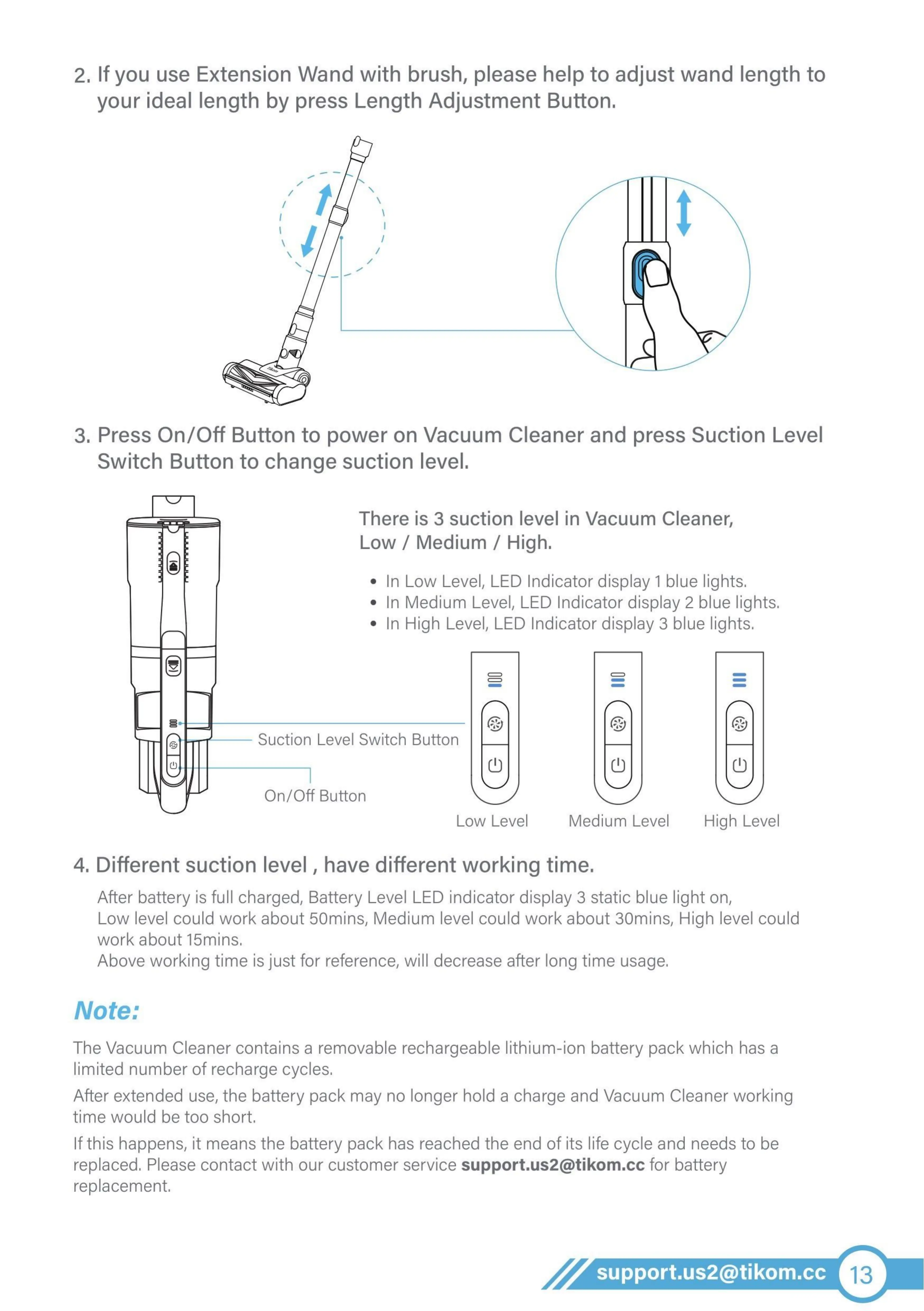
2. If you use Extension Wand with brush, please help to adjust wand length to
your ideal length by press Length Adjustment Button.
3. Press On/Off Button to power on Vacuum Cleaner and press Suction Level
Switch Button to change suction level.
There is 3 suction level in Vacuum Cleaner,
Low / Medium / High.
• In Low Level, LED Indicator display 1 blue lights.
• In Medium Level, LED Indicator display 2 blue lights.
• In High Level, LED Indicator display 3 blue lights.
Suction Level Switch Button
On/Off Button
LOW Level Medium Level
High Level
4. Different suction level , have different working time.
After battery is full charged, Battery Level LED indicator display 3 static blue light on,
Low level could work about 50mins, Medium level could work about 30mins, High level could
work about 15mins.
Above working time is just for reference, will decrease after long time usage.
Note:
The Vacuum Cleaner contains a removable rechargeable lithium-ion battery pack which has a
limited number of recharge cycles,
After extended use, the battery pack may no longer hold a charge and Vacuum Cleaner working
time would be too short,
If this happens, it means the battery pack has reached the end of its life cycle and needs to be
replaced Please contact with our customer service support.us2@tikom.cc for battery
replacernent.
support.us2@tikom.cc


 To Next Page
 Loading...