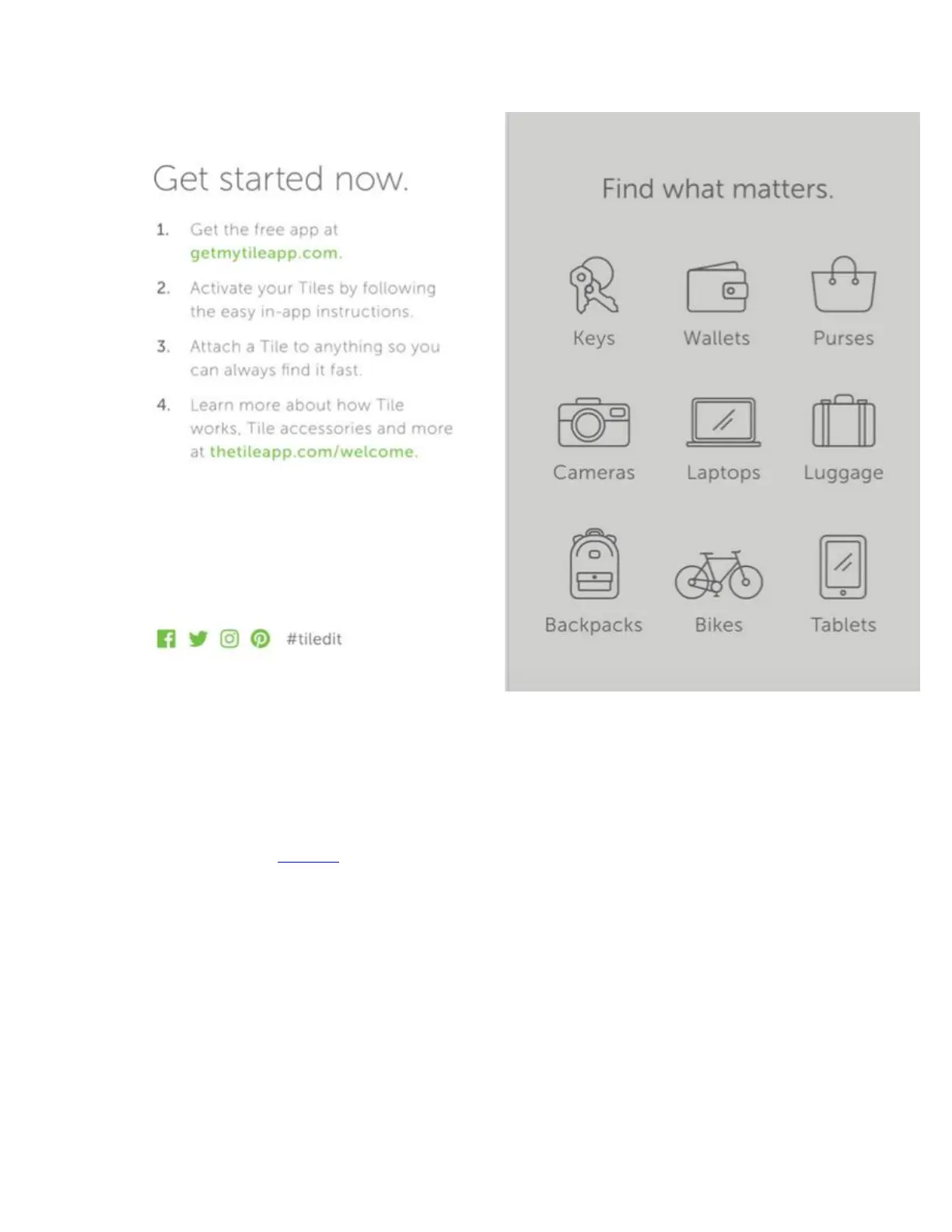
Setting Up Your Tile App
To begin using your Tile, please follow these instructions:
1. Download the Tile app.
2. Open the Tile app and register for an account.
3. Enter your email address.
4. Create a new password.
5. Open the confirmation email you'll receive in your inbox to confirm your email address.
6. Open the Tile app and log in with your email address and newly created password.
7. Follow the prompts to allow Tile access to Bluetooth ® and Location Finding so you can
see your Tiles on a map.
Linking Your Tiles to the App


 To Next Page