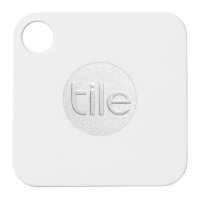
Adding a Tile to your app is easy! Just follow these quick instructions for each new Tile that you
would like to use:
1. Add a Tile: Tap the + button to add a Tile.
2. Press the "Tile" button or "e" button firmly on the Tile until you hear it play a tune.
3. Place the Tile on your device as directed by the app.
4. Pick what your Tile is going to be attached to
5. Activate your Tile.
6. Be happy because now you can always find your stuff!
WARNING: Do not attempt to open or disassemble your Tile. You run the risk of electric shock
and voiding your warranty. There are no user-serviceable parts inside.


 To Previous Page
 Loading...