7. Setting the Clock
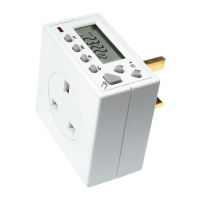
Press and hold down the Time button for 3 seconds. The word hold will show
on the screen.
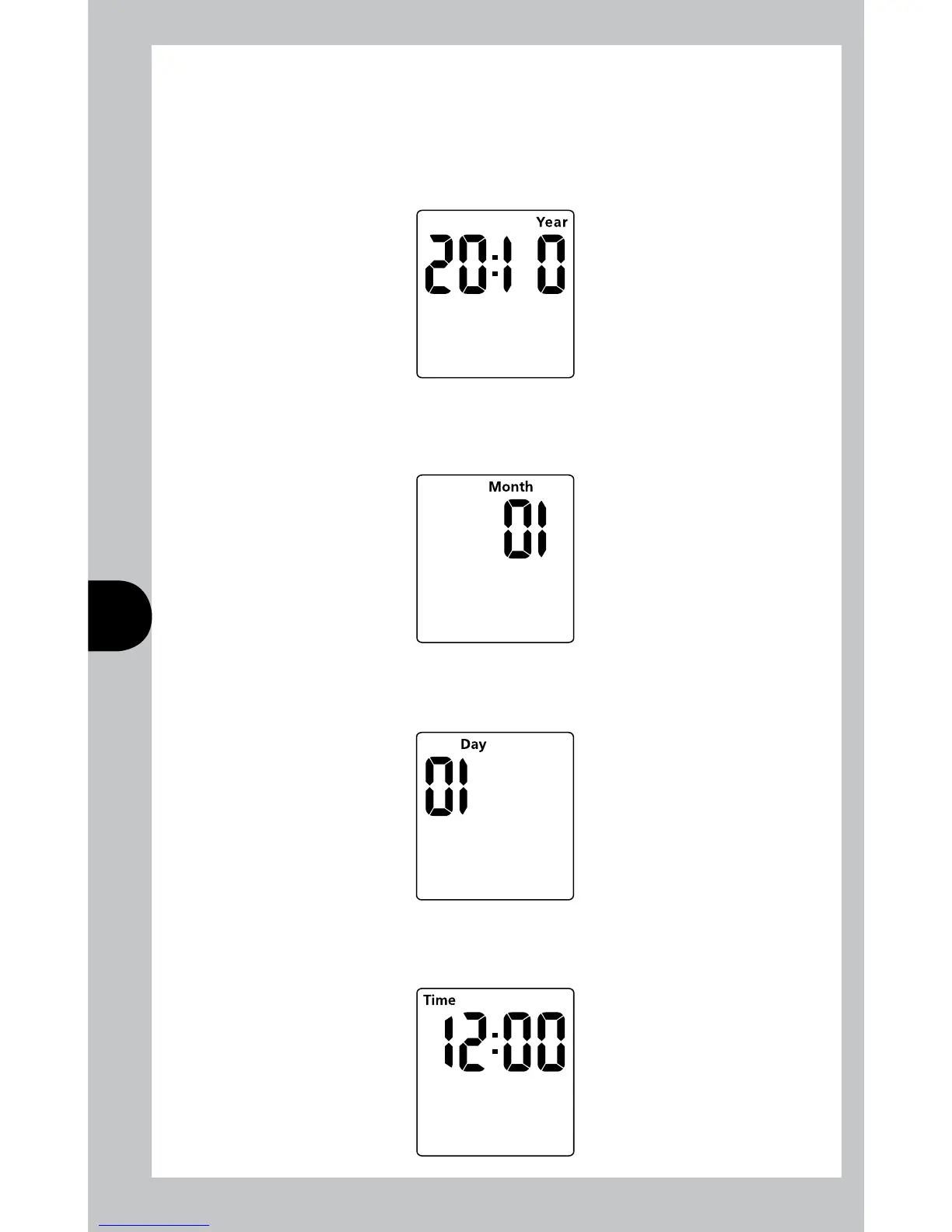
After 3 seconds, the screen will show a year.
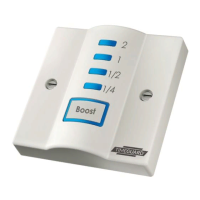
Use the Adv or Boost buttons to change the year to the correct year.
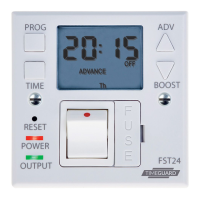
Press Time to set the year, and then the month will show.
Use the Adv or boost button to adjust the month to the correct month.
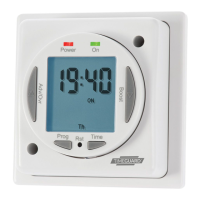
Press Time to set the month, and then the day will show.
Use the Adv or boost button to adjust the day to the correct day.
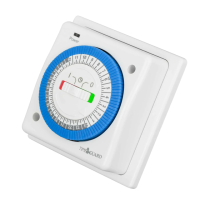
Press Time to set the day, and then the time will show, hours first.



 To Next Page