6
8. Modifying the Date and Time of Day
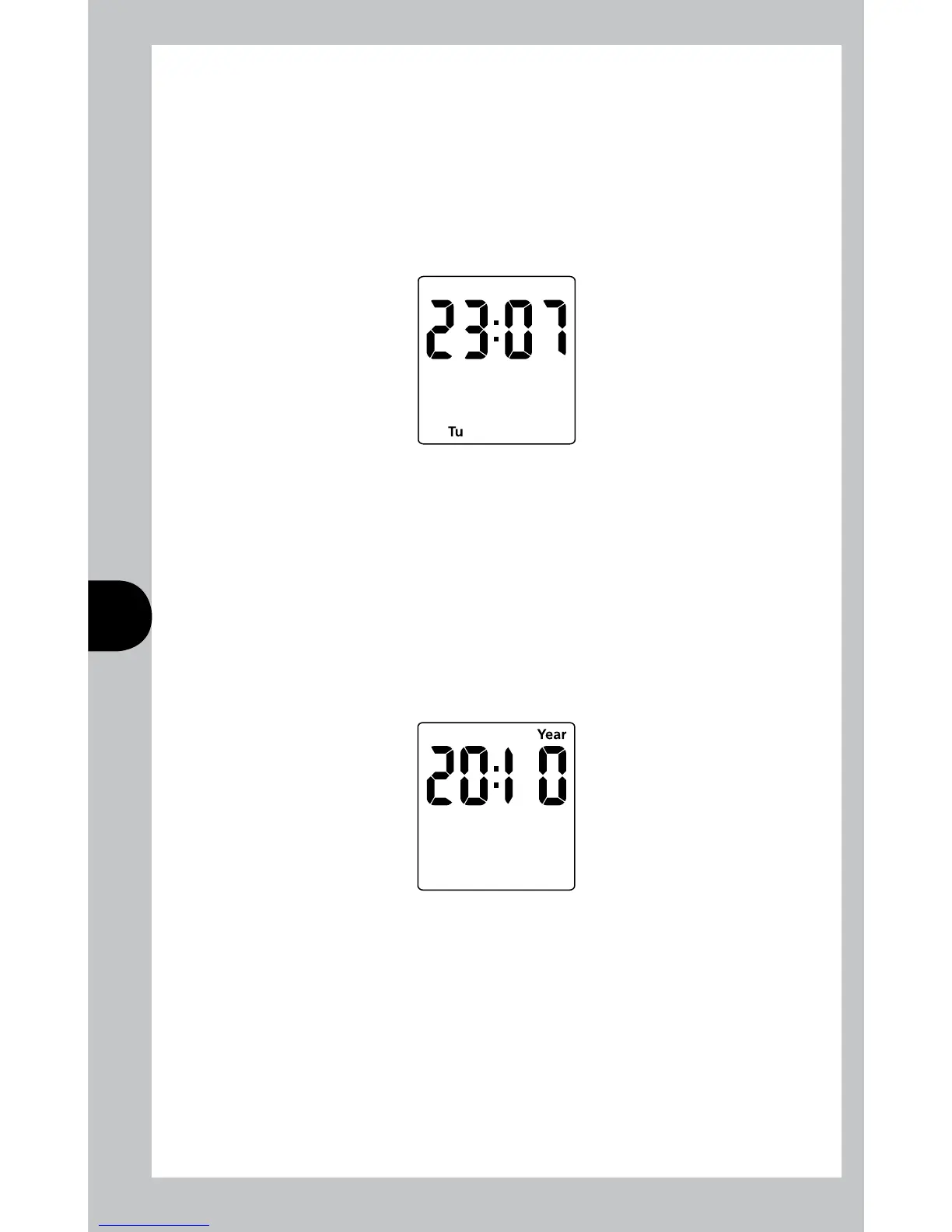
Normally the only change required will be to the time of day minutes, in which case
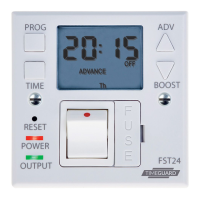
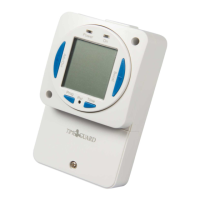
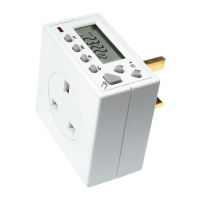
press and hold Time for 3 seconds, during which hold will show on the display.
After 3 seconds the display will show the year:
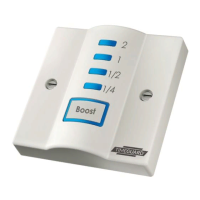
Use the Adv or boost button to adjust the hour to the correct hour.
Press Time to set the hour, and then the time will show the minutes. The hour is
a 24 hour clock.
Use the Adv or boost button to adjust the minutes to the correct minutes.
Press Time to exit the Time/date entry mode. The display should now show the
correct time/day of the week.
Note: during time/date setting, when the Adv or Boost buttons are held down,
the setting under adjustment will advance or decrease more rapidly.
Press Time repeatedly until the minutes are shown. Use Adv or Boost to change
the minutes to the correct value. Press Time to return to operating mode.
Other changes can be made the same way, but the Time button must be pressed
to return to operating mode after any changes. There is no automatic exit from
Time/date entry mode.



 To Next Page