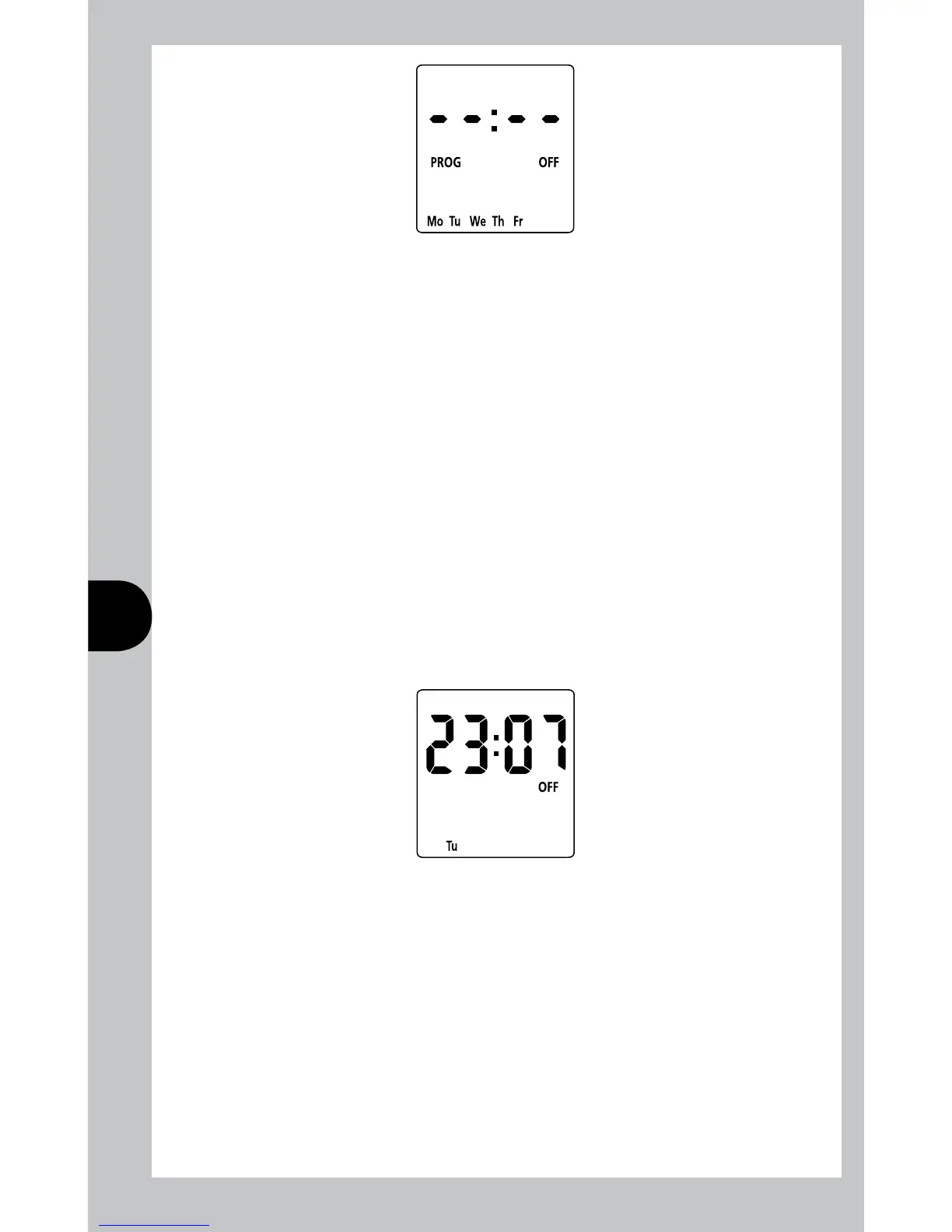
Press Prog to scroll through programme 2 on, programme 2 off, programme 3 on,
programme 3 off, programme 4 on and programme 4 off, adding in times
as required.
If times are not required, just leave the dashes in place, and scroll past
that programme.
After programme 4 has been entered, the day will index to the next day
to be programmed, or in the case of 5 + 2 it will change to Sa Su.
Programme the On/Off times as before.
After the last off time for programme 4 has been set, press Prog to exit
programme mode.
At any stage in programming, if the Prog button is pressed and held for 3 seconds,
the timer will return to operating mode.
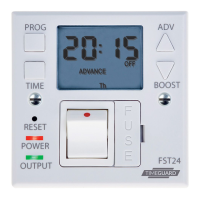
The display will now show:
Where the day and time are correct, but the On/Off indicator may not reflect
the current programme accurately, in which case press the Adv button to correct
the indicator.
In the same way as for individual programmes, days or groups of days can be
omitted either by leaving dashes in all the locations for On/Off times for that day
or group of days. Alternatively, leaving the programme entry mode before filling in
all the On/Off times will leave the remaining times blank.
The only way to re-enter a blank time is to reset the unit.



 To Next Page