13
PROGRAMMING CHANNEL CONTROL LOCK
By default,the remote control’s channel-control capabilities
are locked to the cable converter. The affected keys* are
0~9,CH+,CH-,ENTER,and LAST.This will guarantee that
you do not inadvertently change a channel on your TV or
VCR.However,you can de-activate this feature to allow full
access to these keys in the TV and VCR modes.
*NOTE: This feature does not affect the AUD mode.
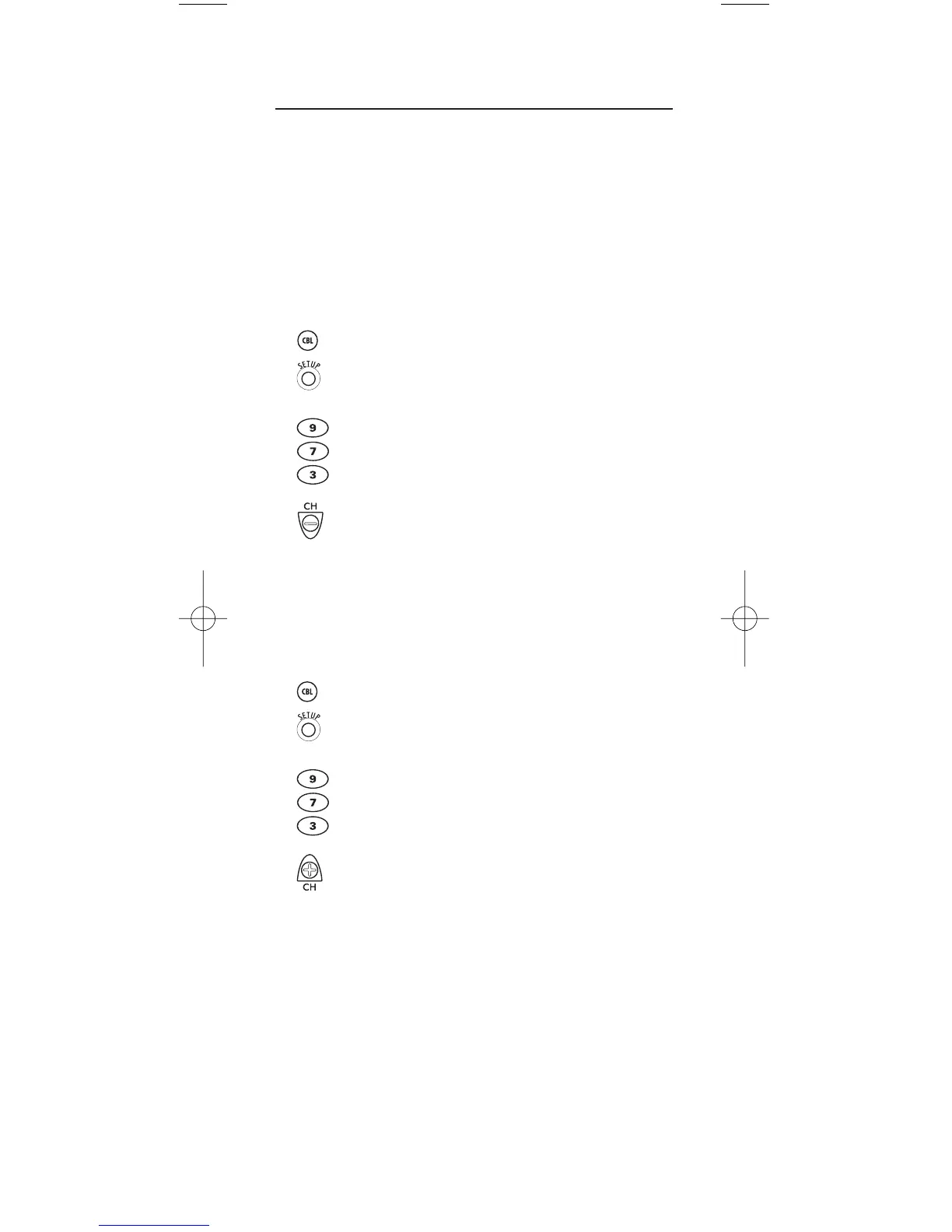
To De-Activate Channel Control Lock:
1. On the remote control, press CBL once.
Then press and hold SETUP until the
CBL key blinks twice,then release SETUP.
2. Enter 9 -7- 3.The CBL key will blink twice.
3. Press CH- once. The CBL key will blink
four times.
4. Now, the remote control will provide TV and
VCR channel-control capabilities while in the
TV or VCR mode.
To Re-Activate Channel Control Lock:
1. On the remote control, press CBL once.
Then press and hold SETUP until the
CBL key blinks twice,then release SETUP.
2. Enter 9 -7- 3.The CBL key will blink twice.
3. Press CH+ once. The CBL key will blink twice.
4. Now, regardless of what mode you select
(i.e., TV, VCR,or CBL), only the channel
control capability of your cable converter will
be accessible.


 To Next Page