Product Setup
Before you can use your WiFi Smart Socket, it must be setup using your Android/iOS
device. Initial setup must be performed using your Wi-Fi network. Once it has been set
up you can control your WiFi Smart Socket via Wi-Fi or 3G/4G from anywhere in the
world.
Software
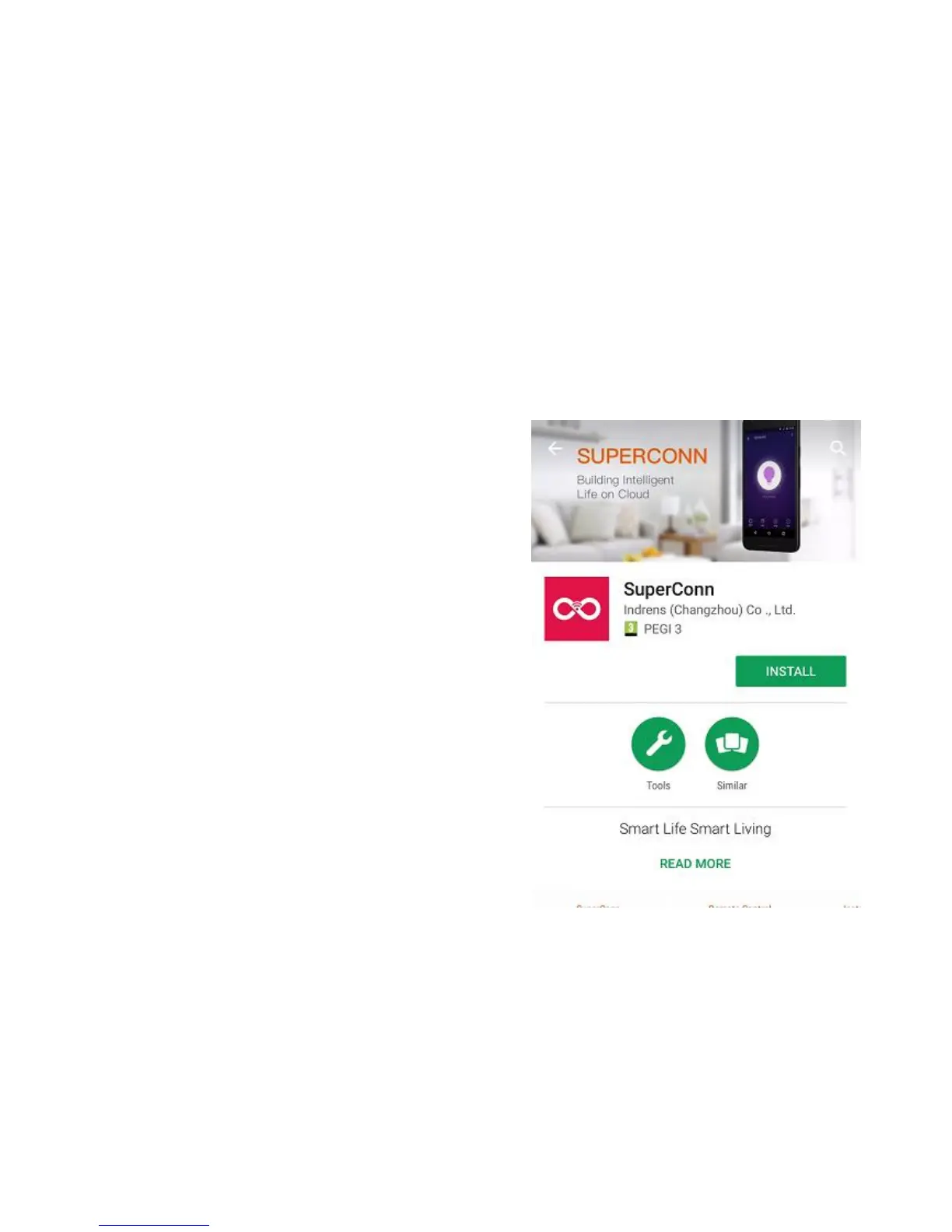
The free SuperConn App is required to operate
your WiFi Smart Socket. It’s available on the
Appstore and Google Playstore for Android and
iOS devices.
1. Ensure your iOS / Android device is connected
to the internet using a Wi-Fi network.
2. Open the App store/Google Playstore on your
phone.
3. Search for “SuperConn” in the App
store/Google Playstore.
4. Download the SuperConn App to your phone.


 To Next Page