7
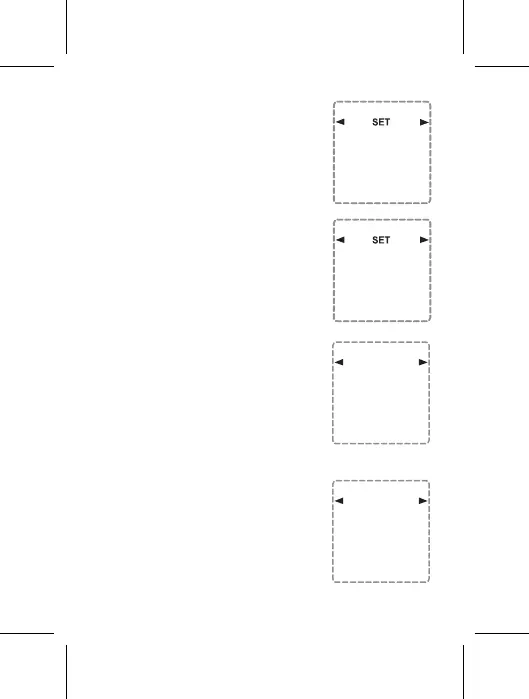
6.3 MONTH SETTING
Select by pressing the Boost or
Adv/Ovr button the current Month.
When finished, press the TIME
button to proceed to the Day setting.
6.4 DAY SETTING
Select by pressing the Boost or
Adv/Ovr button the current Day.
When finished, press the TIME
button to proceed to the Hour
setting.
6.5 HOUR SETTING
Select by pressing the Boost or
Adv/Ovr button the current Hour
(Note- The timer is 24-hour format;
therefore, you must choose the exact
hour of the day). When finished,
press the TIME button to proceed to
the Minute setting.
6.6 MINUTE SETTING
Select by pressing the Boost or
Adv/Ovr button the current Minute).
When finished, press the TIME
button to finish the DATE & TIME
SETTING procedure.
Day
01
Month
01
Time
SET
--:--
Time
SET
--:--


 To Next Page