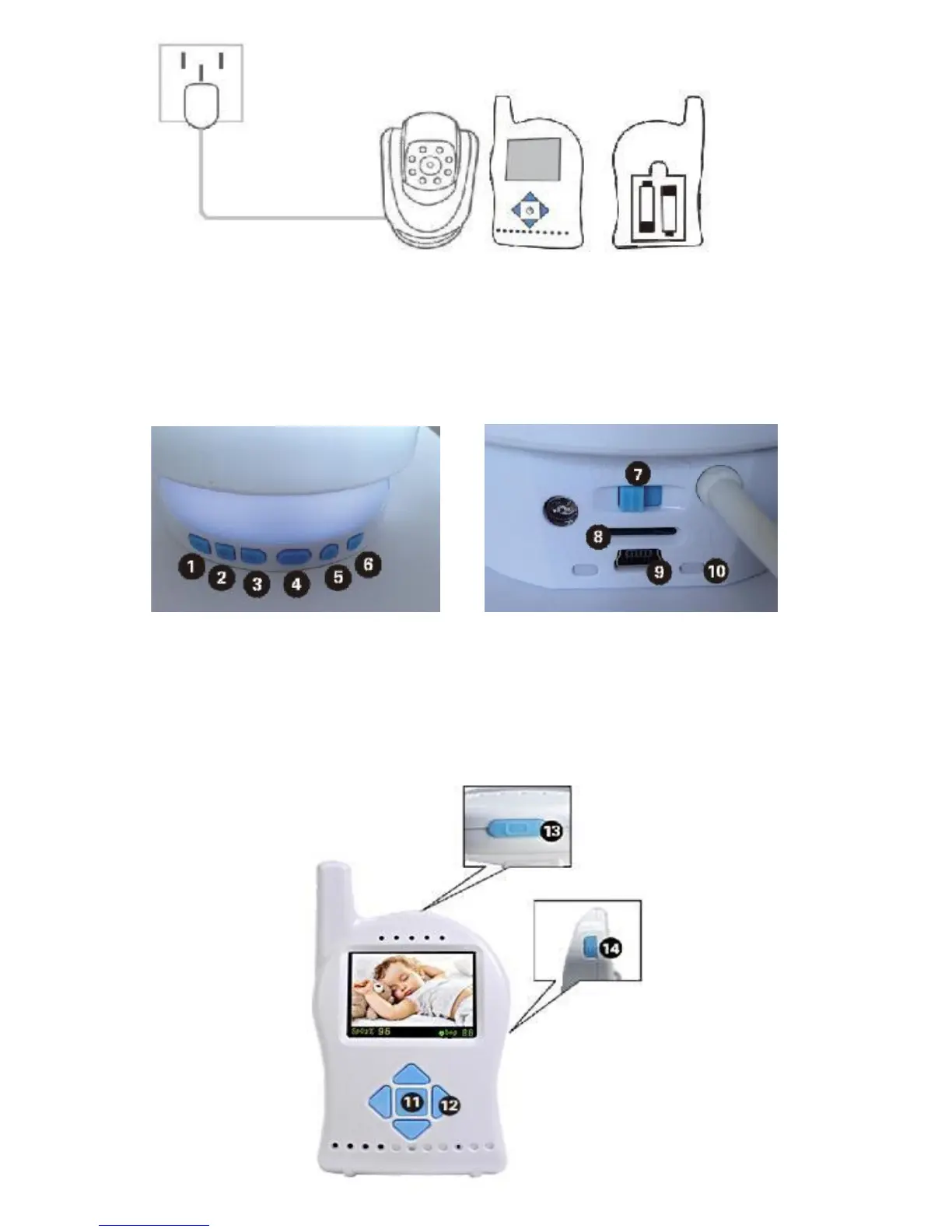
Step 2: Toggle the key on the baby unit, press and
hold the parent key until the green LED is on. The
parent unit is now powered on and the parent unit
will search for and link itself to the baby monitor.
Baby unit settings
1. Play the next lullaby 2. Pause/play
3. Play previous lullaby 4. Nightlight
5. Volume up 6. Volume down
7. Power switch 8. MP3 TF slot
9. USB power jack 10. Power indicator


 To Next Page