11. Press to access menu settings, press and hold to
power on/off.
12. Remote control the camera of the baby unit
(turns left/right or up/down).
13. Turn on/off LED
Press and hold to talk with your baby.
Tips:
To turn off LCD screen by pressing button 13
for power saving and more restful sleep at
night.
Talk with baby by pressing and holding the
button 14.
Press button 11 to open menu when parent unit
and baby unit turned on. Constant LCD light
mode and power saving mode are available in
second item.
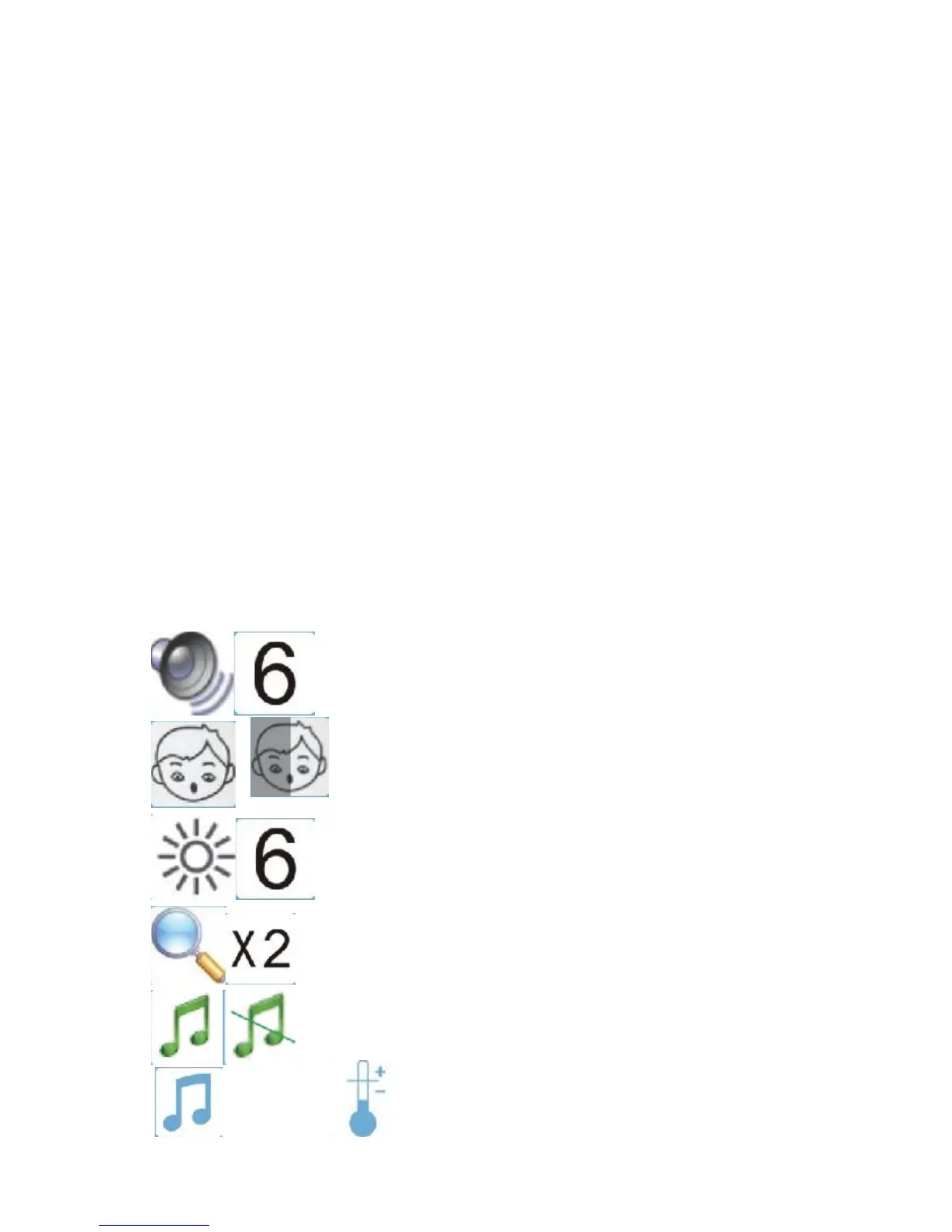
Menu structure of parent unit
Voice & volume
Screen always on or power saving
Brightness
Zoom
MP3
MP3 Temperature


 To Next Page