Translations
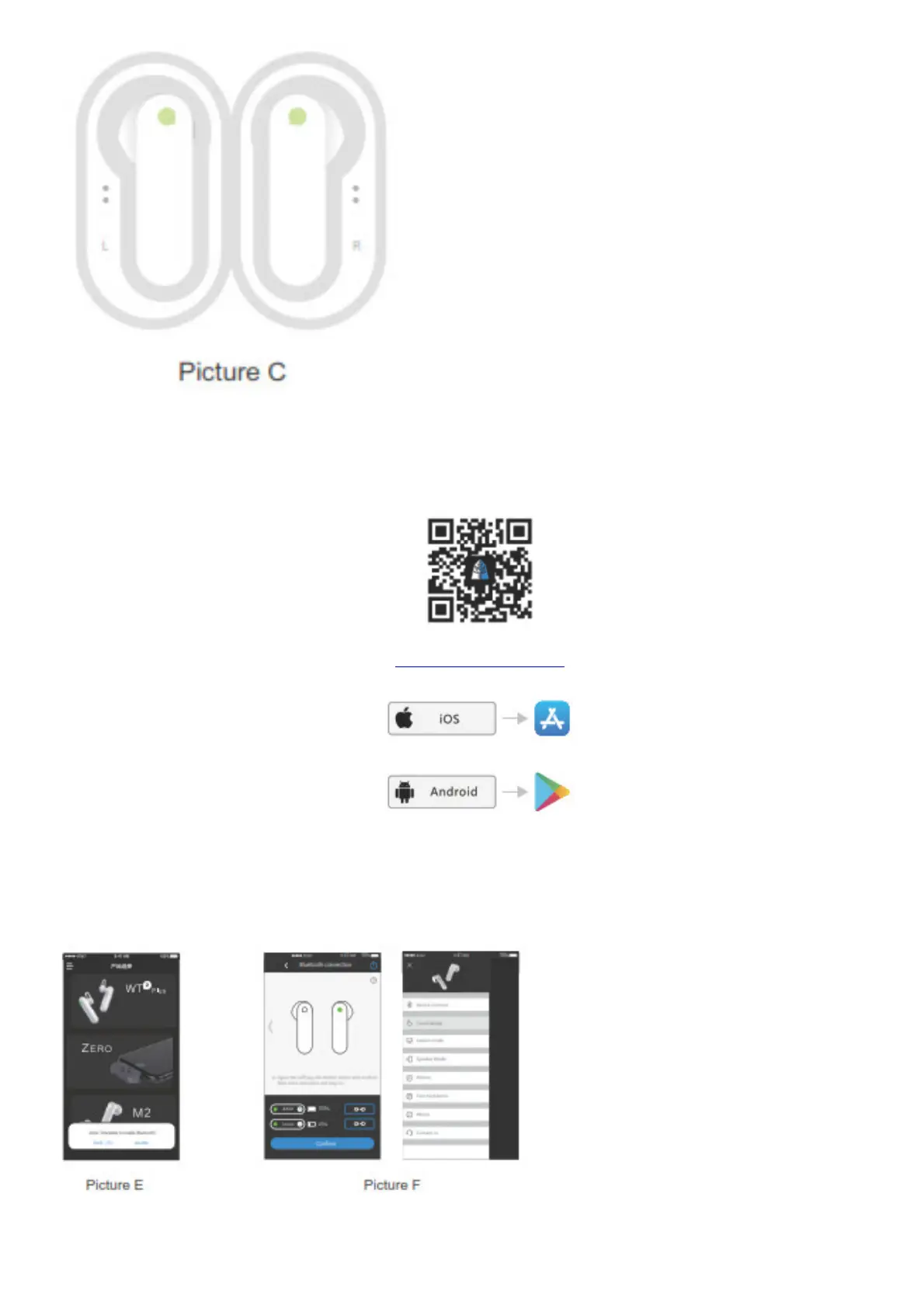
1. When Bluetooth is connected, download the “Timekettle” app in the App Store / Google Play. You may also
choose to scan the barcode to download. Picture D
www.wt2.co/timekettle
2. Open the app and allow the permissions for the proper use of the device. Picture E
3. Choose “M2” and connect the Bluetooth again within the app. The earbuds are connected when you hear the
beep. You may choose one of the 3 different modes: Touch Mode, Lesson Mode, and Speaker Mode.
Picture F
Controls



 To Next Page