Android
iOS
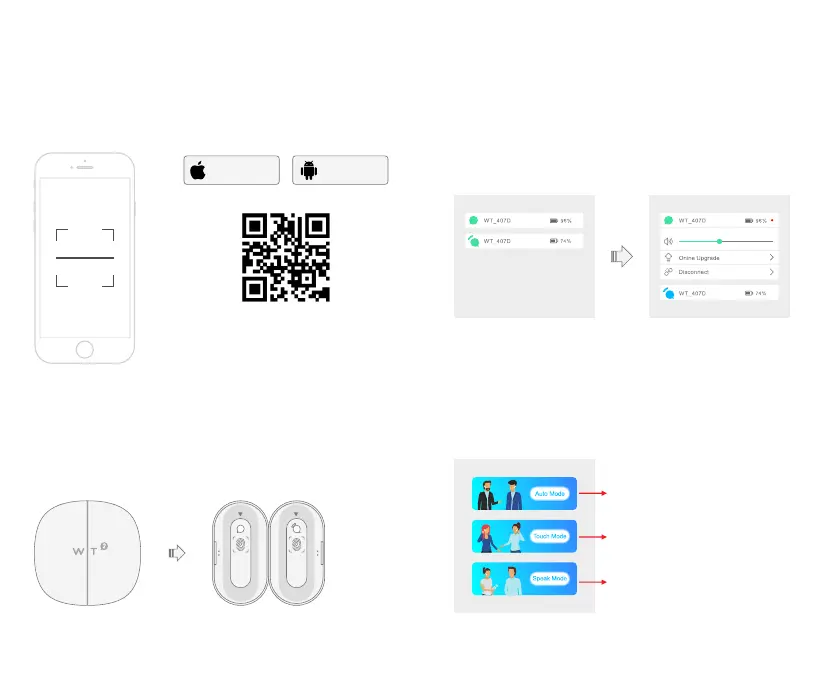
Step 2: Take out Earphones
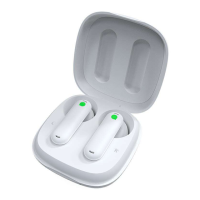
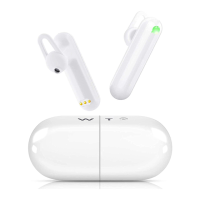
Open the charging case, take out the Earphones (01 Host, 02 Guest)
01-Host
02-Guest
Step 3: Connect to App
Click "01","02" to connect
Connection Succeed
After you take out the earphones, LED indicators on both Earphones will flash
green light, now go to “Device” page on App, and connect Earphones.
When the connection completes, the LED indicators on both Earphones display
solid green.
(WT2 Plus will automatically reconnect in your next use with its
Connection-Memory function)
Step 4: Share & Select Mode
Home Page
Share Earphone (Guest) with the person you need to communicate, wear
Earphone (Host) yourself.
Our App has three different communication modes to suit your needs.
Absolutely Hands-Free
Control of Voice pick-up
Translation on the phone speaker!
Step 1: Download App
Please scan the QR code below, or search “WT2 Plus”
in "App Store / Google Play" to download our App.
The App requires network to work.
Scan QR code to download our App.


 To Next Page