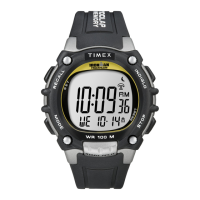
DATE MODELS
TO SET TIME:
1) PULL crown all the
way out and turn to
correct time.
2) Push crown in to
restart. For screw-in
setting crown, push
crown in while turning
CLOCKWISE to tighten.
Watches with date: Note correct time of day
(A.M or P.M.) for proper date function.
TO SET DAY:
1) PULL crown to “middle” position and turn
CLOCKWISE until correct day appears. If day does
not change, pull crown to “out” position and turn
CLOCKWISE or COUNTERCLOCKWISE through
necessary number of 24 hour periods until
correct day appears.
5
ENGLISH
1. Watch is water-resistant only as long as crystal,
crown and case remain intact.
2. Watch is not a diver watch and should not be
used for diving.
3. Rinse watch with fresh water after exposure to
salt water.
4. Shock-resistance will be indicated on the watch
face or caseback. Watches are designed to pass
ISO test for shock-resistance. However, care
should be taken to avoid damaging the crystal.
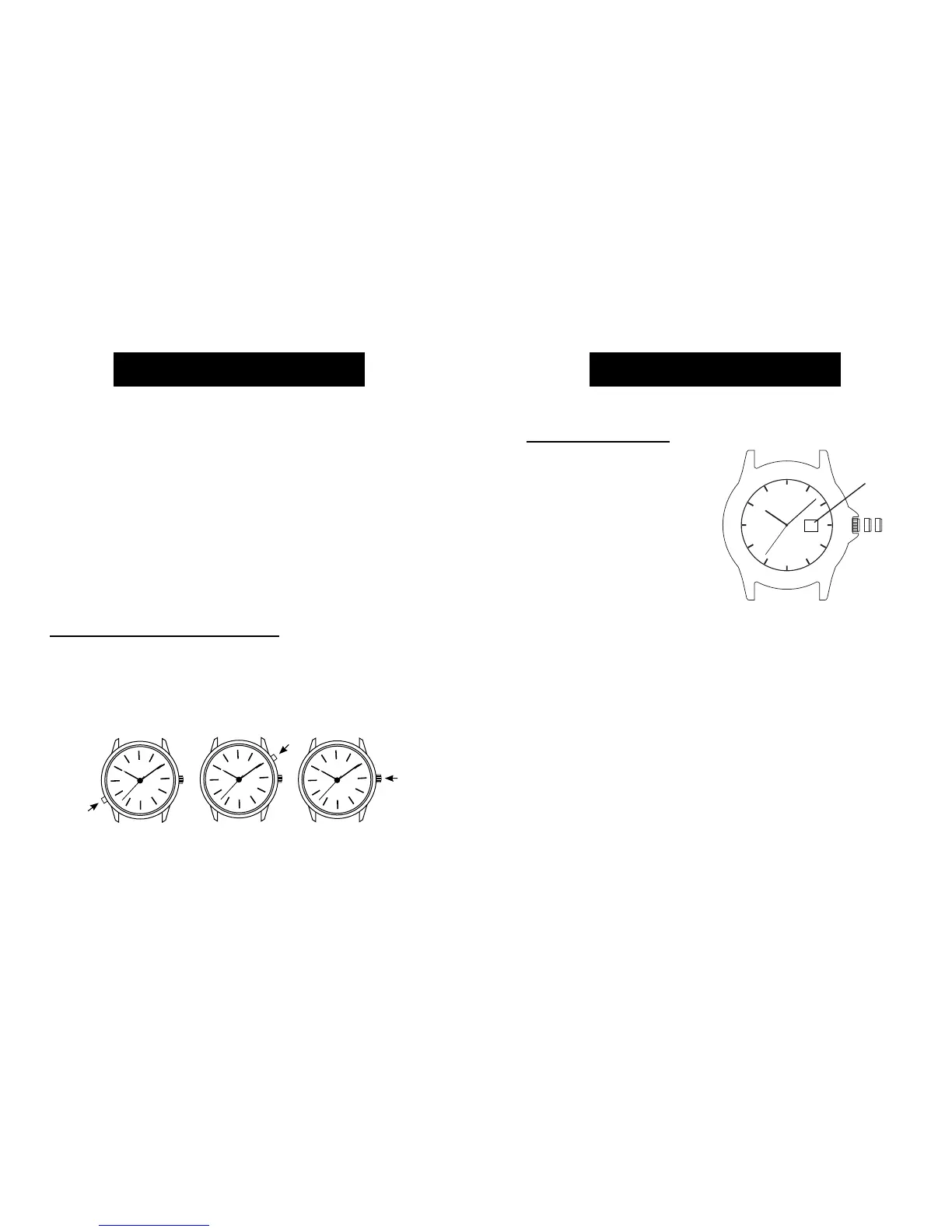
INDIGLO® NIGHT-LIGHT
Press button or crown to activate light. Patented (U.S.
pat. 4, 527,096 and 4,775,964) electroluminescent
technology used in the INDIGLO® night-light illuminates
entire watch face at night and in low light conditions.
4
ENGLISH


 To Next Page