Control / PWM
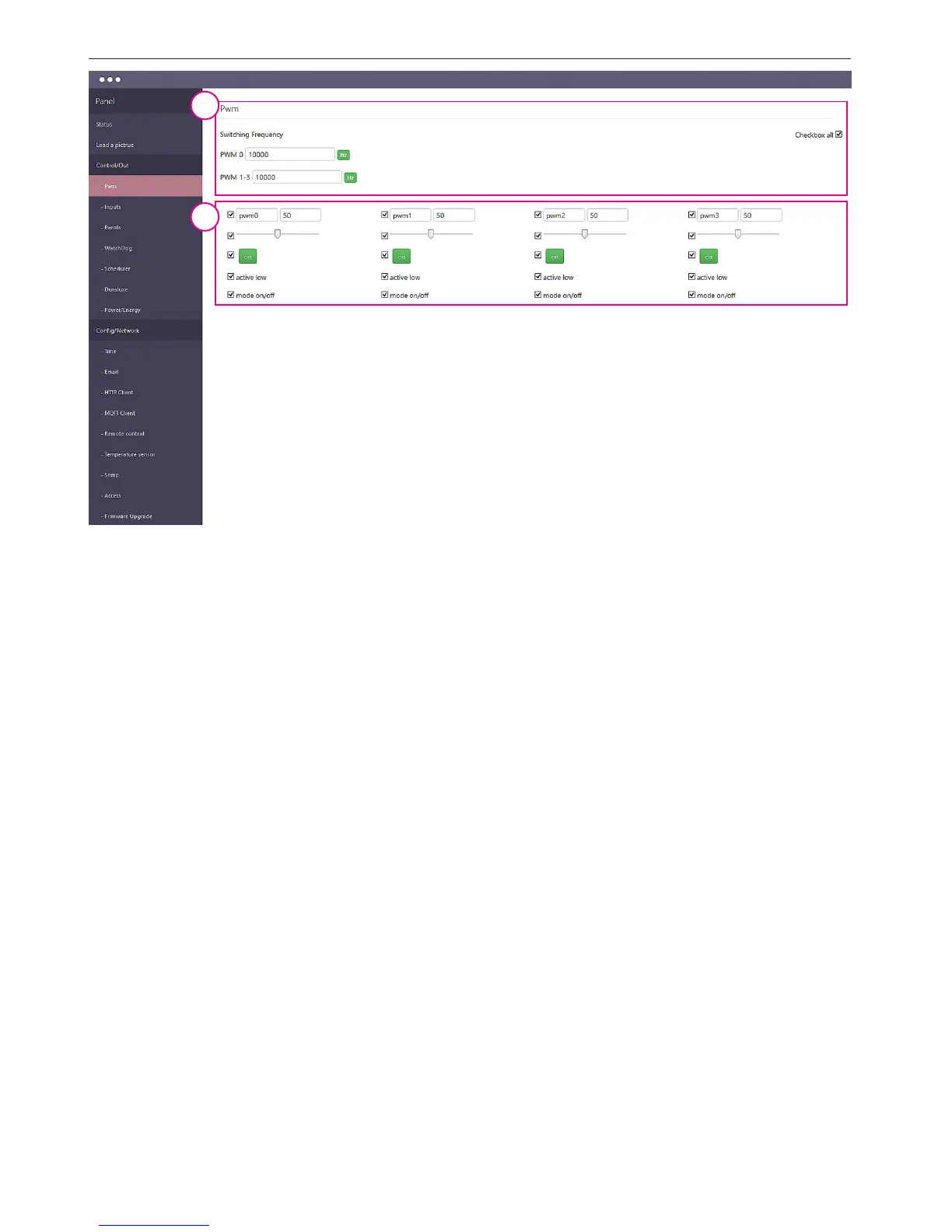
1. Switching Frequency for the outputs pwm0 and pwm1 ÷ pwm3 - here the frequency
is the same for these outputs.
2. PWM Output panel - it allows you to select which pwm0 ÷ pwm3 output to be seen.
Separately, you can select the visibility of the description elds, slider changes the duty
ratio and the on / o PWM output.
Additional eld:
"active low" - is used to reverse the action of the switch and ll factor,
"mode on/o "- check this box causes the PWM output changes in the output of the two
state: on / o.
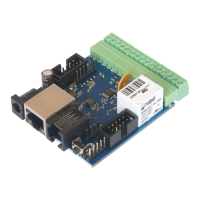
NOTE: for the Lan Controller v3 is available a separate system - board - the overlay transi-
stor, which allows you to use PWM outputs to control the load of up to 2÷4A (depending
on the amount used of outputs) and a voltage input connected to the cap (maximum 28V).
In the on / o switch allows us to enable / disable connected consumers, such as LED ligh-
ting, sprinkler valves or fans, while the PWM duty cycle change slide smoothly regulate the
output voltage. The ideal application is for example the brightness control of LED strips.
The transistor outputs of the system are connected in a common "+" (such as LED strip
RGB).
1
2


 To Next Page
 Loading...