Cong / Access
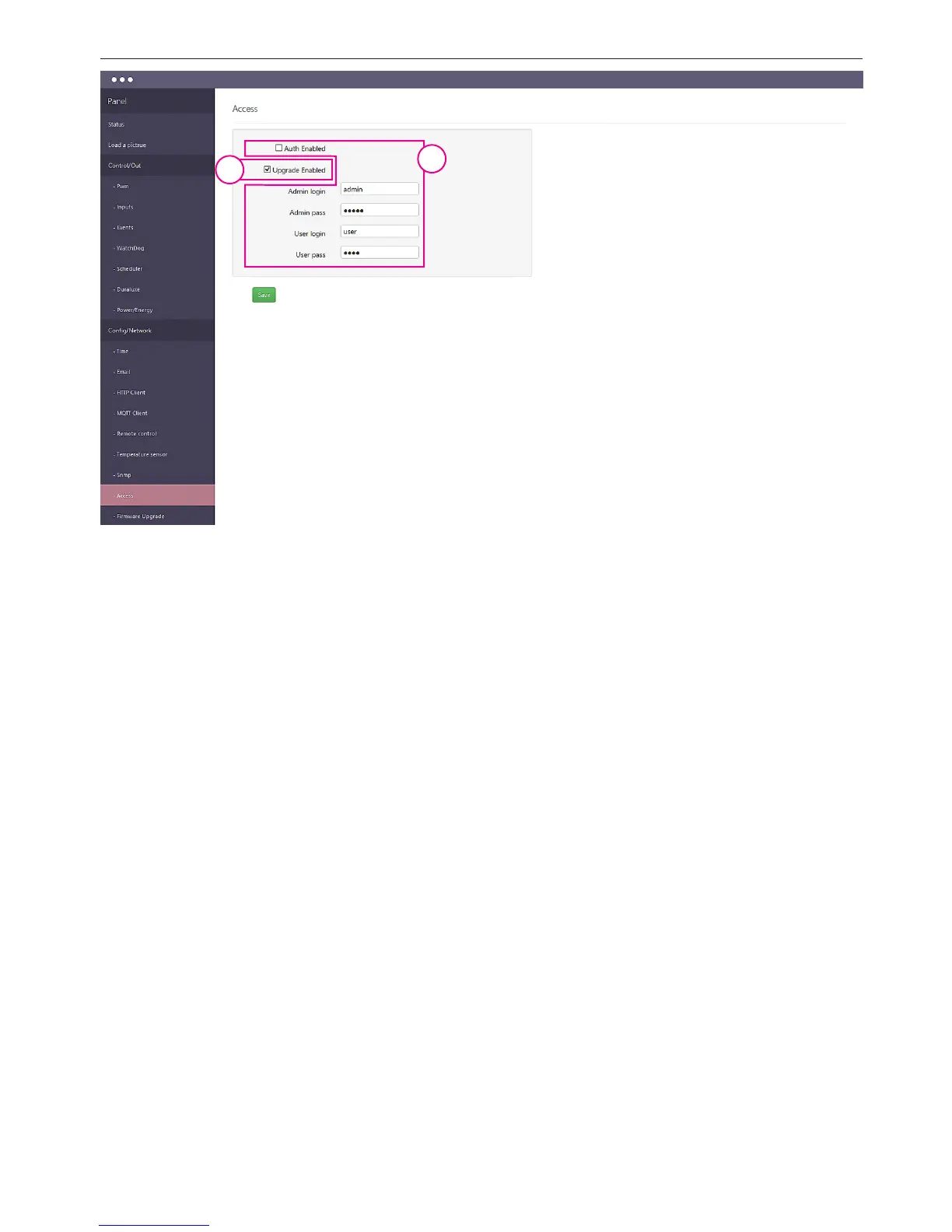
1. ZChecking the "Auth Enabled" will make the administration of the device address in the
browser login window will appear, to prevent access to the XML data without authoriza-
tion. While the second login window is set to distinguish the type of access: the admini-
strator or the user (admin/admin lub user/user).
In the rst case, we have full access to the conguration, in the second only to the panel
"Status", on which the user has access after logging (visible) only the data which display
dened (marked) administrator.
The login and password for the administrator are the same for the rst and second login
window.
2. Selecting the "Upgrade Enabled" is necessary to download the new version of rmware
to the device via tftp.
Normally, especially in networks where access management controller to an unauthorized
person, the eld should be disabled.
1
2


 To Next Page
 Loading...