MACHINE OPERATIONS
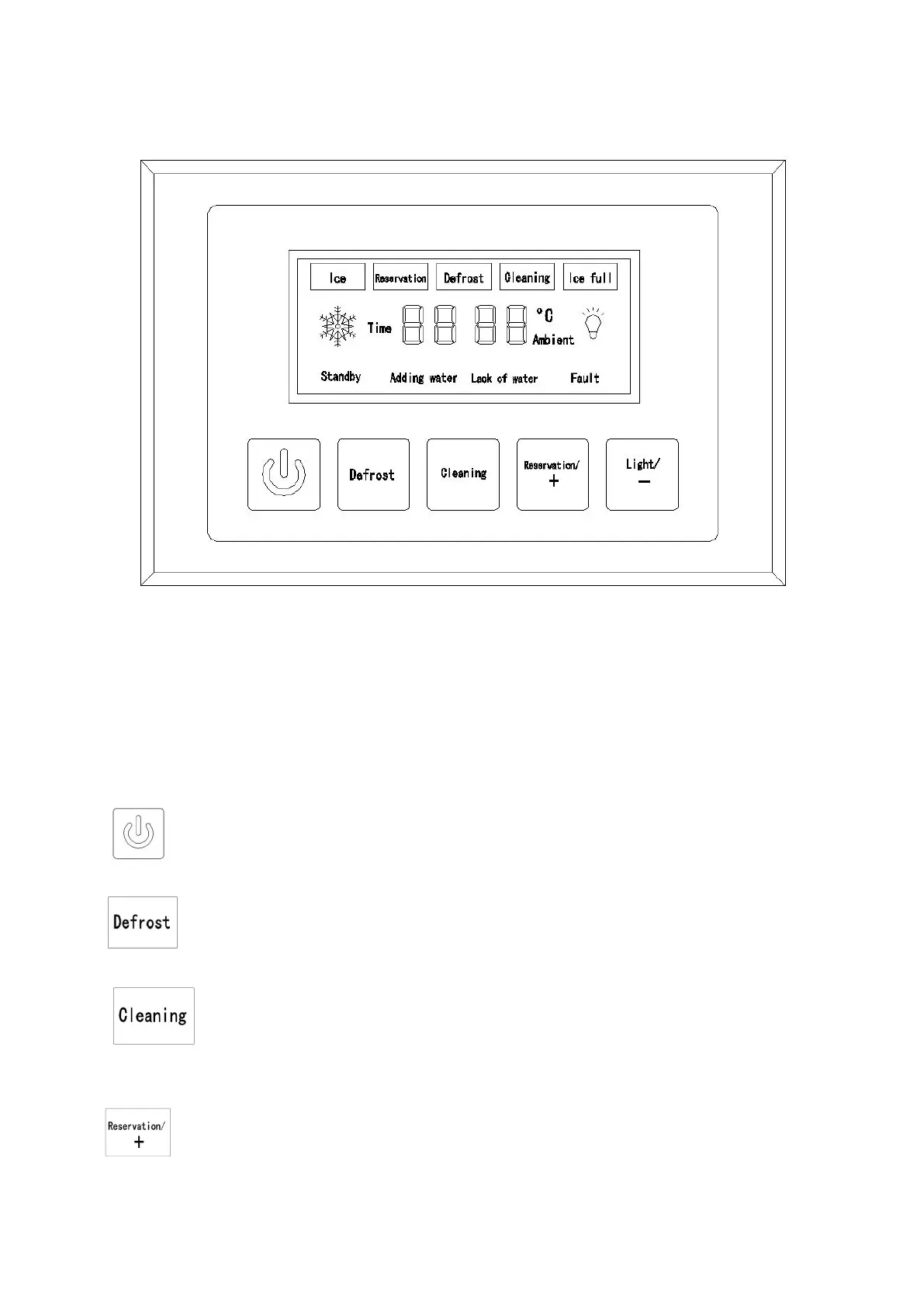
Operation Panel
Quick introduction
1. Connect and turn on the water faucet before power the machine.
2. Turn on the machine,it start to replenish water with lighted”adding water” and “lack of
water”,after finishing,it will enter to standby mode with “00”displayed in the screen. At the
same time,”adding water” and “lack of water” will be off.
3. ON/OFF SWITCH
Press to make ice,and hold for 2s to turn it off.
4.
Hold for 2s to force the ice cubes fall from the evaporator ahead of time.
5.
When the machine is in standby mode, press the “Cleaning” button to make the machine
automatically enter self-cleanprogram for 5 min.
6.
A: When the machine is at the middle of ice making, press the “Reservation/+” button to


 To Next Page