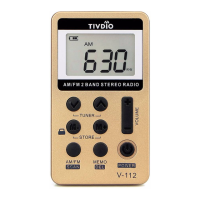
Earphone jack: For personal stereo listening without
disturbing others.
Charging jack: For charging the lithium battery from a
5V power supply.
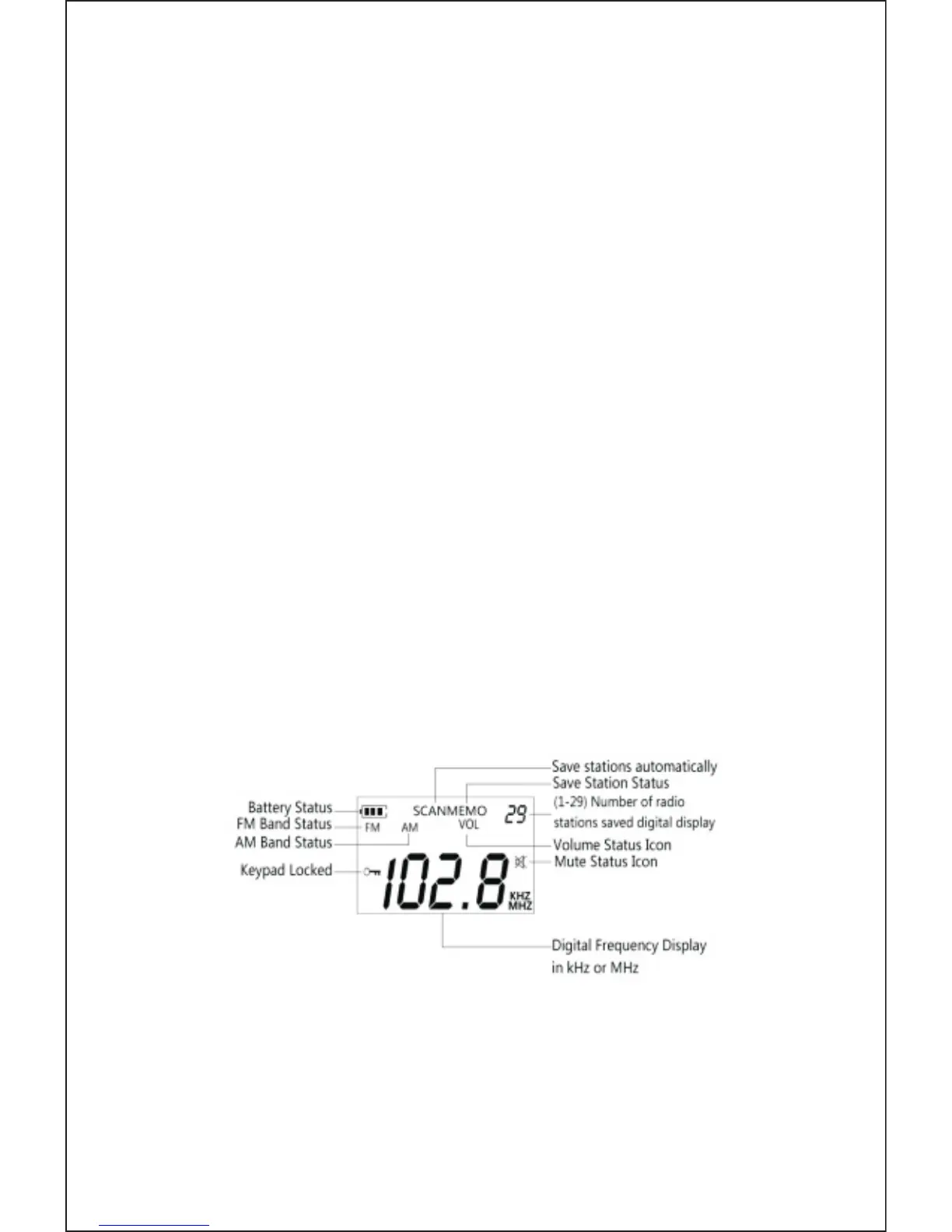
LCD: For displaying the frequency, and memory presets.
Lock key: For locking the keys to prevent it turning on
operate by itself.
Volume key: For turning up and down the volume from
earphones.
AM/FM band: For switching between AM or FM.
Power : For turning on and off the radio.
Memo/Del: For presetting or deleting memory presets.
LCD display symbols “icon” description
Turning ON / OFF the radio
Long press the POWER key to turn on or turn off the
radio. Press the AM/FM key to enter the operation of
the radio.
EN
2


 To Next Page