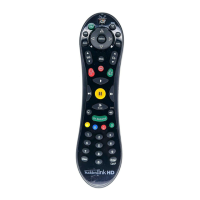
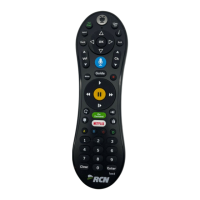
Need help?
Do you have a question about the TiVo Slide remote control and is the answer not in the manual?
Instructions for the initial one-time setup process of the TiVo Slide remote with its USB receiver.
Using the TiVo interface to program the remote for TV functions via code entry.
Programming the remote to learn TV power, volume, and mute functions directly from other remotes.
Advice on Bluetooth/infrared modes, keyboard usage, and backlight features.
 General
| Backlight | Yes |
|---|---|
| Voice Control | No |
| Motion Control | No |
| Touchpad | No |
| Type | RF |
| Compatibility | TiVo DVRs |
| Connectivity | RF |
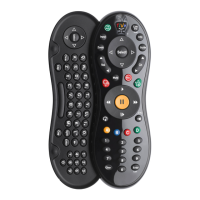
| Keyboard | QWERTY keyboard |
| Battery Type | 2 x AA batteries |

 To Next Page