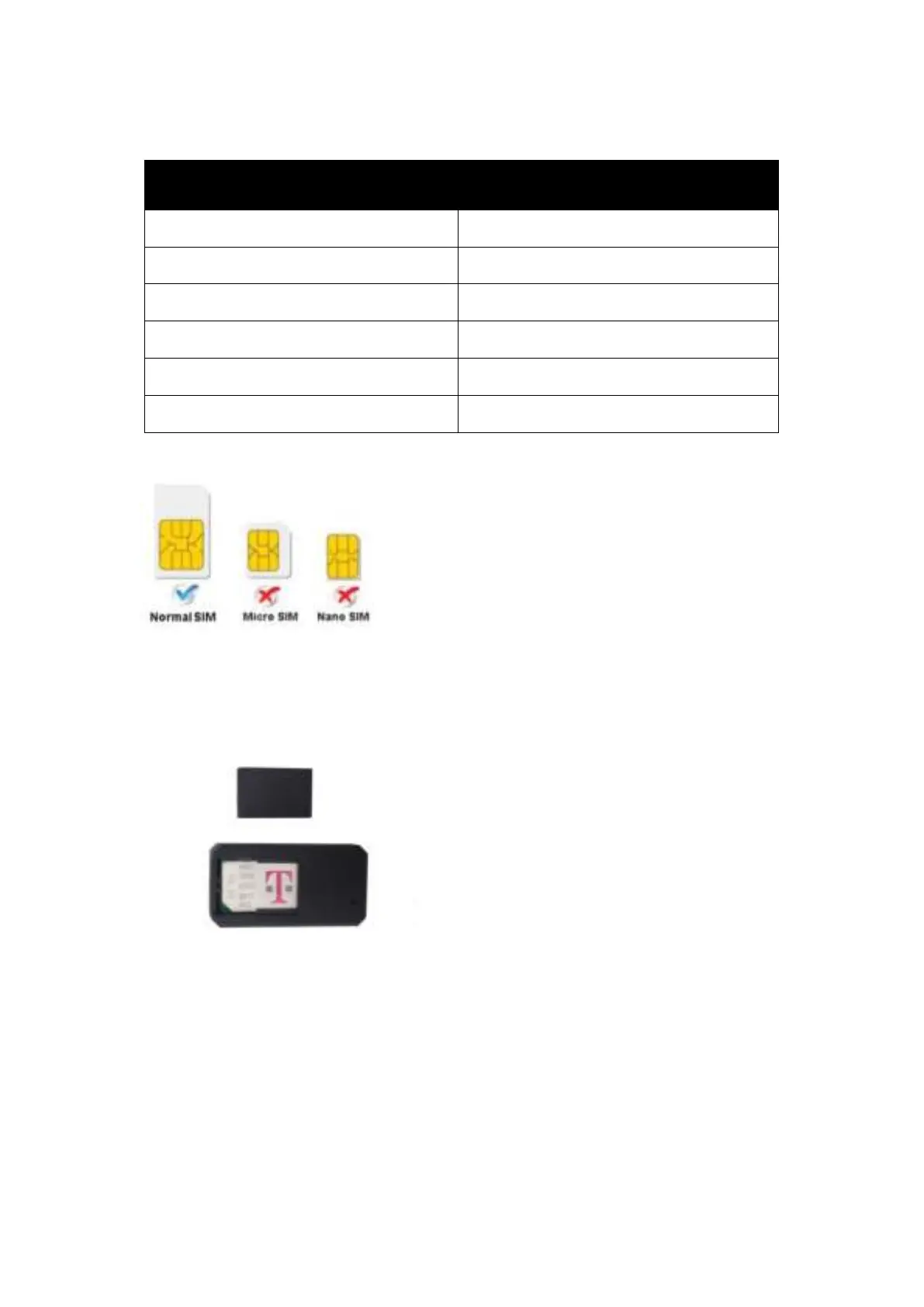
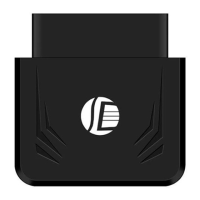
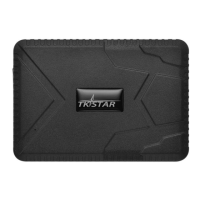
Note: GSM SIM CARD INSTALLATION GUIDE: Only GSM SIM card works in this model
3.TURN ON THE DEVICE
Open the cover, insert the SIM card, the device auto starts.
In 30 or 60 seconds, the unit will begin to work and acquire the GSM signals as
well as the GPS signals. The indicator will keep flashing every 3 seconds when
the unit has received the signals.
When this unit receives GPS signals normally, you can use it and do any setting
as the instructions of this manual.
The device automatically turns off when the SIM card removed.


 To Next Page