6. 0 START ONLINE TRACKING
Pls activate GPRS by sending command “gprs123456” when the tracker is on, and set APN by following steps.
Every sim card carrier has own APN content, we have two methods to find out apn content : check sim card
carrier on internet or put sim card into cell phone to find out APN
Two steps to set apn:
1), Turn on gprs function by sending command “gprs123456”
2),Set apn by sending command “apn123456 content” , “apnuser123456 content” ,“apnpasswd123456
content” pls note the content is from SIM card carrier , there is small blank after 123456 in every command.
6.1 WEB ONLINE TRACKING
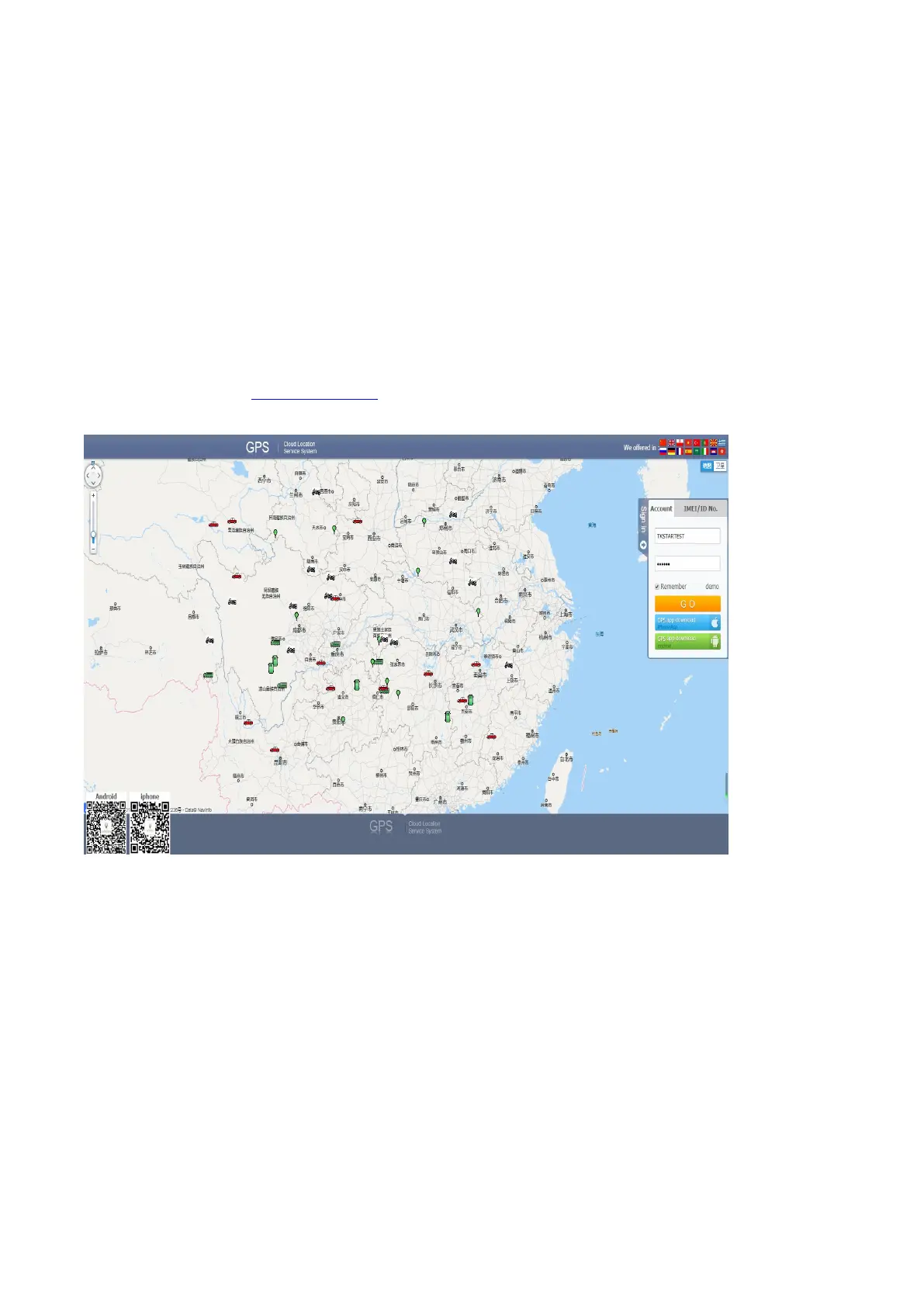
A,Open the website gps.tk-star.com
B,Login by username or the IMEI/ID, the default password “123456” and Clink “GO”
6.2 APPLICATIONS FOR ANDROID/iOS
A,Download Phone APP:
Method 1: Scan below QR to download;



 To Next Page