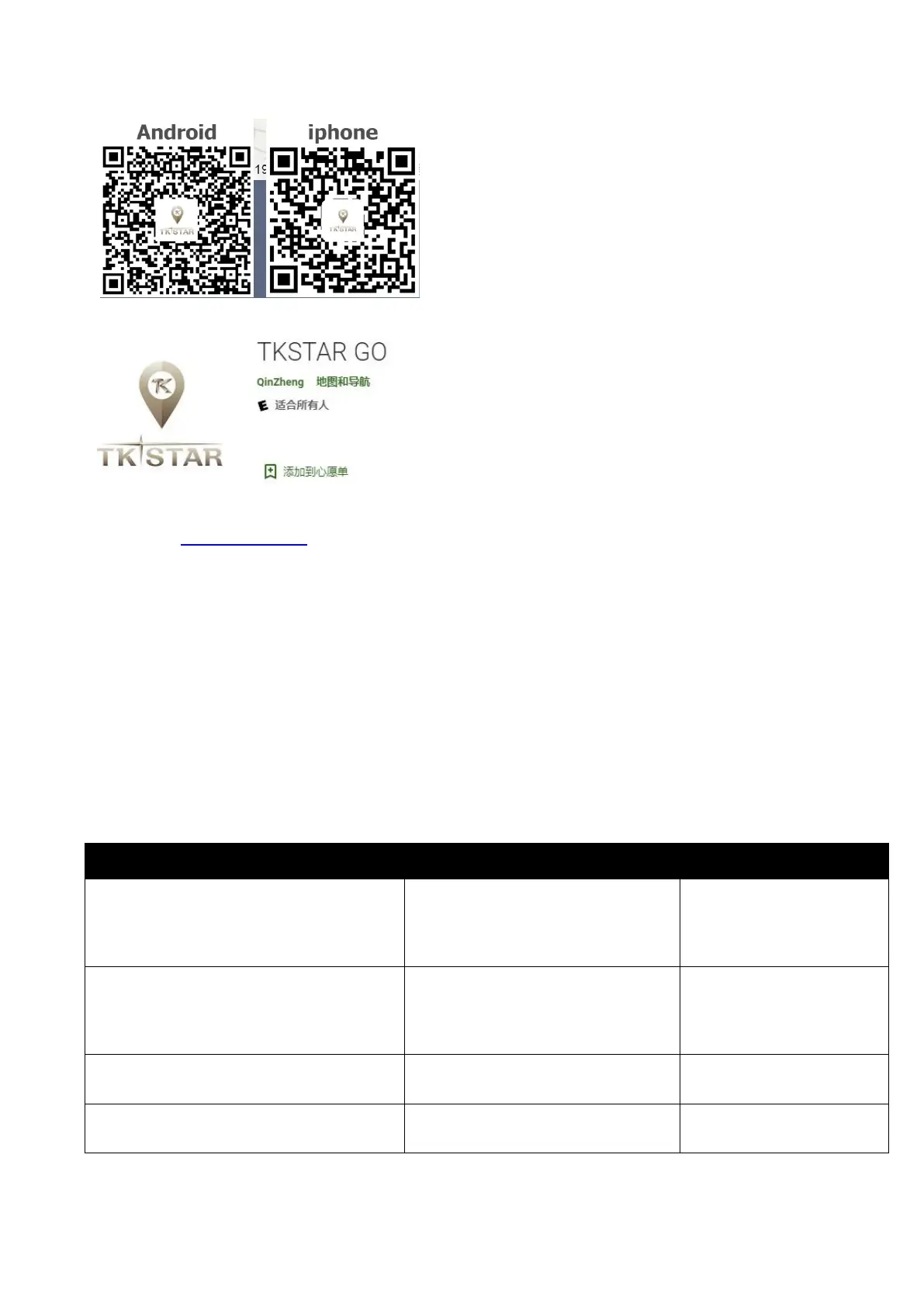
Method 2: search “LKGPS” in the APP store or Google play store to download.
Select “Log in by IMEI” on the bottom of screen
Server: gps.tk-star.com
IMEI/ID : on the back side of device
Password: 123456
6.3 Turn on GPRS function by sending command “GPRS123456” to the tracker, and set the
APN for the tracker, then its online tracking by APP and platform works. (if you did it
already in 6.0, no need to it one more time )
COMMAND INSTRUCTION TO SET APN
Set APN
( any existing will be replaced)
apn+123456+space+apn content
apnuser+123456+space+conten
t
apnpasswd+123456+space+con
tent



 To Next Page