EasyManua.ls Logo

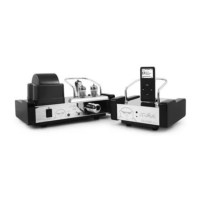
TL Audio Fatman iTube - User Manual

TL Audio Fatman iTube
72 pages
Print Icon
To Next Page IconTo Next Page
Loading...
USER MANUAL
ENGLISH
FATMAN
BY
TL A
udio
®
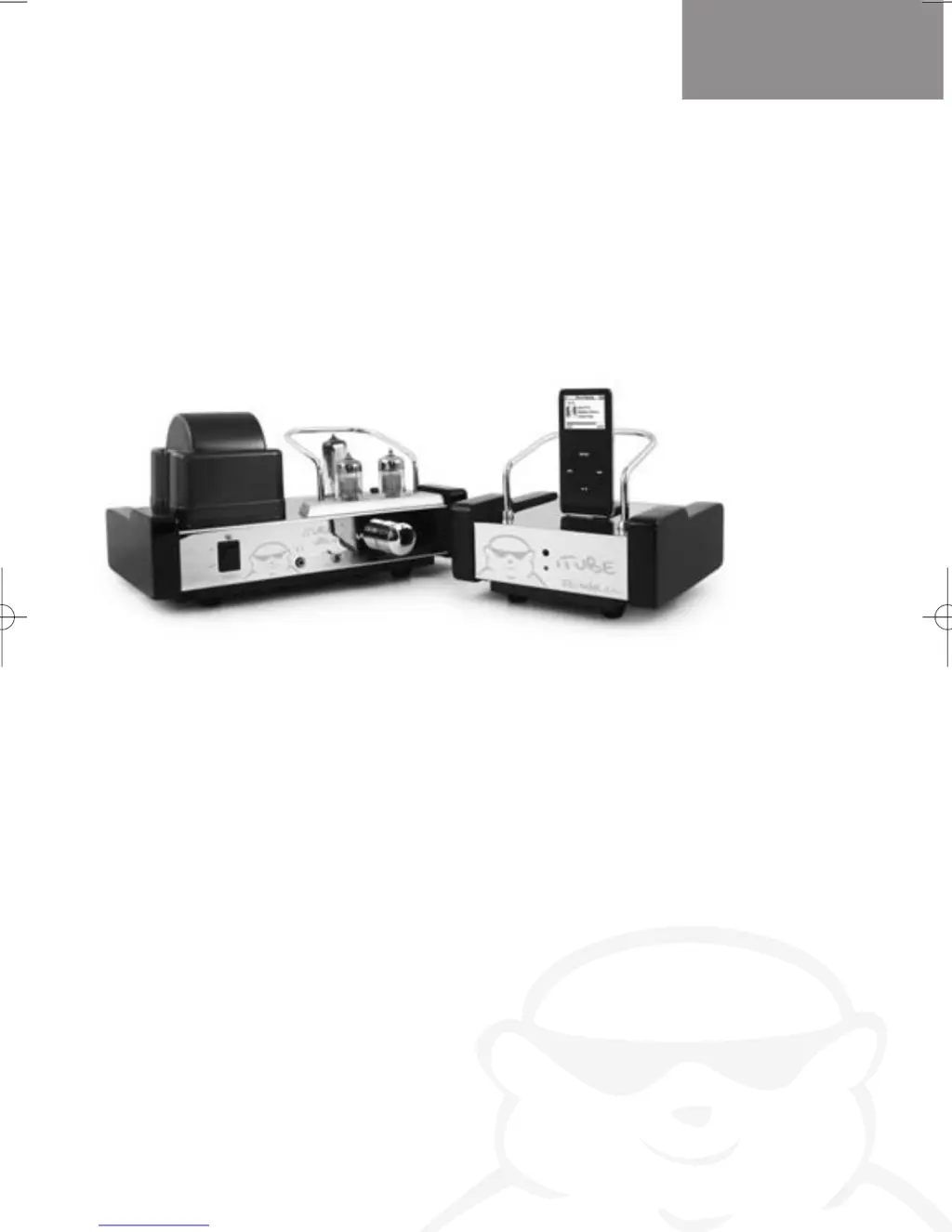
Vacuum Tube Amplifier
with Docking Station
ITube
iTube Manual UK 5-7-06.qxd 8/9/06 10:43 AM Page 1

Questions and Answers

  • J
    Julie HicksJul 31, 2025
    What to do if my TL Audio Fatman iTube Amplifier has no sound?
    • A
      Alex TownsendJul 31, 2025
      If your TL Audio Amplifier has no sound, first, increase the volume gradually to your preferred level. Then, check that the speaker wires are securely and correctly connected. Finally, ensure the 'Input Select' is correctly set to either the iPod dock or Aux, depending on your audio source.
  • J
    Joseph GutierrezAug 6, 2025
    How to fix a TL Audio Fatman iTube with no power (blue LED off)?
    • R
      Rachel AllenAug 6, 2025
      If your TL Audio Amplifier has no power and the blue LED is off: * Ensure the power adapter is firmly plugged in. * Test the mains supply with another appliance or a different socket. * If using a remote, replace the battery.
  • K
    Kristen PatelAug 11, 2025
    Why is my TL Audio Fatman iTube Amplifier making a crackling sound?
    • C
      caroline23Aug 12, 2025
      If you hear a crackling sound from the speakers connected to your TL Audio Amplifier: * Check the connection if your iPod is in the docking station. Also, check the 3.5mm stereo cable connection, ensuring it's connected to the 'line out,' 'audio out,' or 'headphone out' of your source, and not 'speaker out.' * Unplug the 3.5mm stereo cable from your current audio source and plug it into the headphone jack of an alternative source, such as a CD player or MP3 player, to rule out a problem with the original audio source.
  • D
    diana25Aug 18, 2025
    Why doesn't my iPod volume control the TL Audio Fatman iTube Amplifier volume?
    • M
      Meredith RiceAug 18, 2025
      When using an iPod with your TL Audio Amplifier, use the amplifier's volume control since the iPod volume control only adjusts the volume for the headphone jack.
  • S
    Susan VargasAug 25, 2025
    What to do if the acoustic image from my TL Audio Amplifier is unstable?
    • A
      Ashley WilliamsAug 25, 2025
      If the acoustic image from your TL Audio Amplifier is unstable, characterized by unnatural sound and insufficient low-range tonal quality, reconnect the speakers, ensuring that the positive (+) and negative (-) polarities are correctly aligned between the speakers and the iTube.

Summary

Kit Contents

Safety Instructions

Connecting the iTube

Video Output Connection

Connect the video cable (yellow) to the TV's video input.

Audio Output Connection

Connect the audio cable from the docking station to the amplifier.

S-Video Output Connection

Use an S-Video cable to connect to your TV's S-Video input.

Power Adapter Connection

Connect the power cable to the iTube and the mains supply.

Remote Control

Speaker Control Functions

Controls for speaker volume, treble, bass, and input selection.

iPod Control Functions

Controls playback and selection of iPod music via the remote.

Amplifier Controls

Front Panel Controls

Describes the power switch, volume, headphone, and select controls.

Rear Panel Connections

Details line inputs, speaker outputs, and AC power input on the rear.

Amplifier Connections

How to Use

Making Connections

Instructions for connecting devices and speakers correctly.

Speaker Setup and Connection

Guidance on connecting speakers and ensuring proper impedance and polarity.

Troubleshooting

Maintenance

Specification

Service

TL Audio Fatman iTube Specifications

General IconGeneral
TypeTube amplifier
Signal to Noise Ratio> 90 dB
Input Impedance10 kΩ
Number of Channels2
Tube1 x ECC83
Frequency Response20 Hz - 20 kHz
Total Harmonic Distortion (THD)< 0.1%
Power Supply230V AC

Related product manuals