Injection Molding Machine Chapter 4
V3.0
4-17
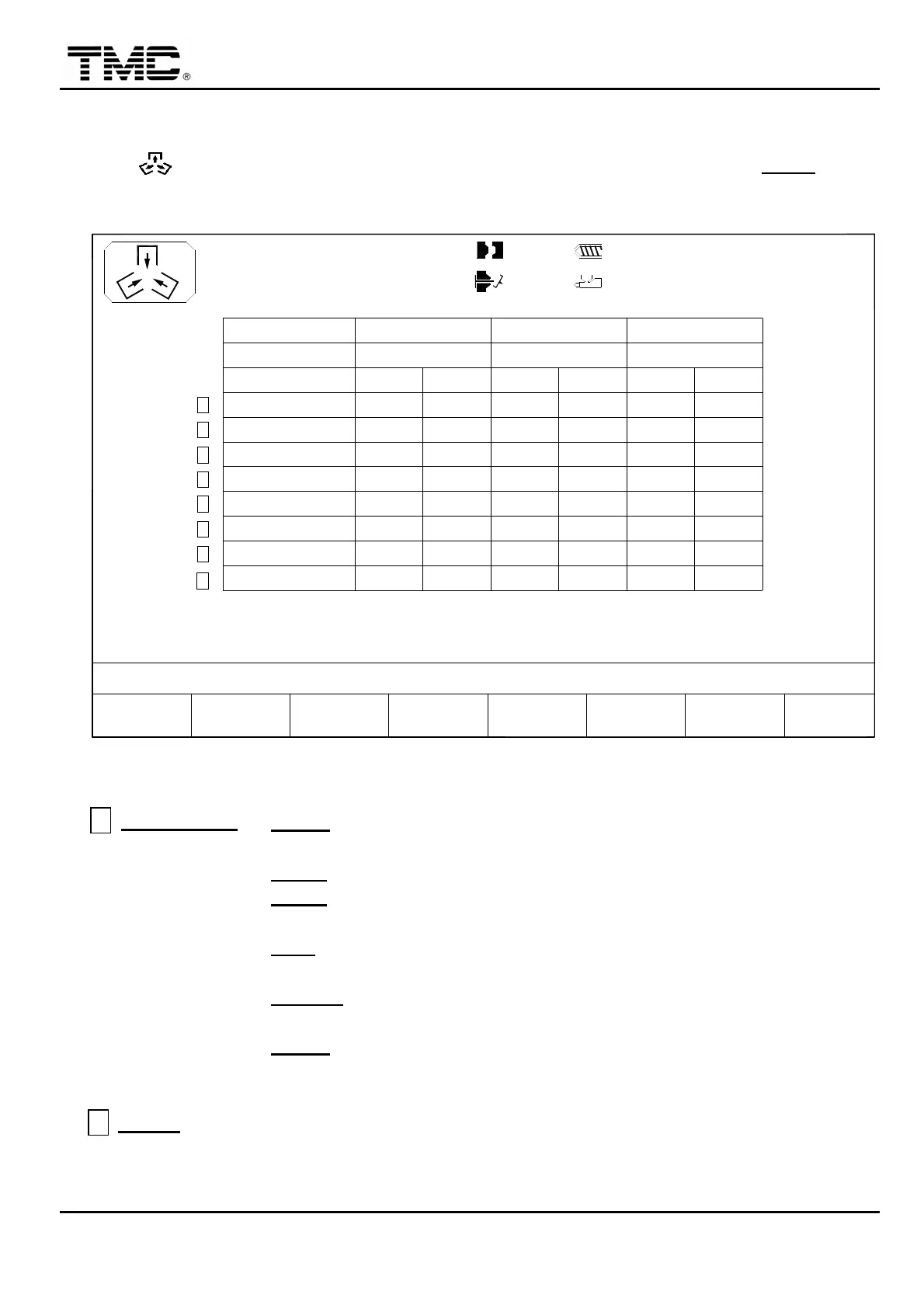
2.7 Corepull setting
Press hot key or use the direction key in the main page to move the cursor to CORE
,
press ENTER to display core screen.
PT mm
P bar
10h25m10s
20°C
PARAMETER
CORE MODE
DELAY T.
COUNT
03D05M07Y
COREF2F1
MENU
01
D
F
H
G
I/O
E
TIME
C
B
V %
A
3W
MOLD
SUPPORT
F3 F4 INJ.
PROFILE
F5 F6CHANGE
LOG
F7 F8EXTERN
I/O
100.0mm
100.0mm
331
100
000.0
100
140
000.0
250.0
000.0
000.0
250.0
OUT
140 140
000.0
000.0
100
131 132
100
100
250.0
100
IN
140 140
000.0
133
100
000.0
000.0
134
100
000.0
100
250.0
IN
250.0
100
OUT
CORE 1
ON
1.0mm
CORE 2
OFF
110.0mm
140
000.0
000.0
332
100
250.0
100
IN OUT
0/ 0
0/ 0 0/ 0
CORE 3
OFF
P1: P2:
0/ 0V1: V2:
ACTION STATUS
M:
OPN_E EJ_F CLO_E POSIT. OPN_E CLO_E
Screen 4-10
A
CORE MODE
:
1
OPN-E
:
Clamp open end
→
Core in
→
Clamp close
→
Injection…
→
Clamp open end
→
Core out.
2
POSIT
:
Core in and out at specified clamp position.
3
CLS-E
:
Clamp close to end
→
Core in
→
Injection….
→
Core out
→
Clamp open
4
EJ_F
:
Clamp open end
→
Ejector forward
→
Core out
→
Core in
→
Ejector backward
→
Clamp close
5
EJ_END
:
Clamp open end
→
Ejector forward
→
Ejector backward
→
Core out
→
Core in
→
Clamp close
6
AS_EJ
:
Clamp open end
→
Core out
→
Core in
→
Ejector forward
→
Ejector backward
→
Clamp close
B
PT mm
:
To set the position of clamp open and close position that initiates operation of
core in and core out.
For example
,
set the core in position at 100.0
,
then core starts move in when the position


 To Next Page
 Loading...