Injection Molding Machine Chapter 4
V3.0
4-19
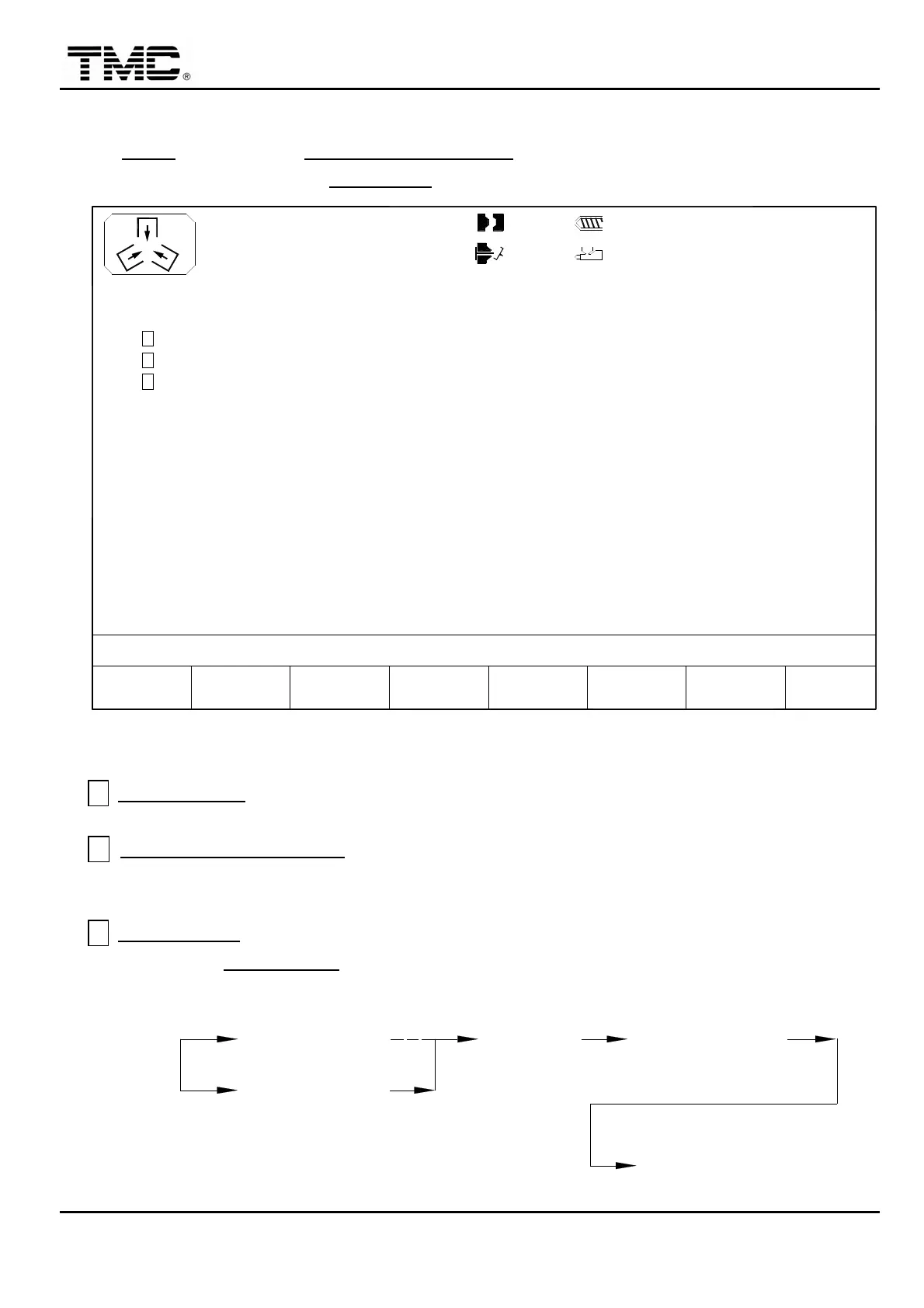
2.8 Corepull parameters
On CORE screen press F2 CORE PARAMETER or use the direction key in main menu
screen to move the cursor to CORE PAR.
,
press ENTER to display this screen.
10h250m10s
20°C
CORE PRESS HOLD
F2F1 P/V
MENU
22
RAMP
CORE ON FLY
A
VALVE GATE
C
B
3W
SUPPORT
MOLDF3 F4 INJ.
PROFILE
F5 F6CHANGE
LOG
F7 F8EXTERN
I/O
100.0mm
100.0mm
OFF
OFF
OFF
1.0mm
110.0mm
0/ 0
0/ 0 0/ 0P1: P2:
0/ 0V1: V2:03D05M07Y
ACTION STATUS
M:
Screen 3 –11
A CORE ON FLY
:When set on,core sequence is performed while mold is still opening.
Option feature.
B CORE PRESS HOLDING:Energizes core valve during injection to prevent core is
pushed out by cavity pressure. (Core 1 in pressure and speed settings are used as
holding commands in E-2 model. 2008/09/22 changed)
C VALVE GATE
function:When set on,the core 1 and core 2 hydraulic circuits will be
converted to VALVE GATE sequence.
CORE IN CORE IN TIME
INJECTION
CORE OUT
CHARGE
CORE OUT TIME


 To Next Page
 Loading...