Injection Molding Machine Chapter 4
V3.0
4-38
2.19 Production management
On EJECTION
,
INJECTION or CHARGE screen press F8 PROD. MANG.
,
or use the
direction key to move the cursor to PROD. MANAGEMENT
,
press ENTER to display this
screen.
V1: 0/ 0 0/ 0V2:
0/ 0P1: 0/ 0 P2:100.0mm
50.0mm110.0mm
1.0mm
ACTION STATUS
M:
03D05M07Y
10h25m10s
20°C3W
F2F1 F3 F4 F5 F6 F7 F8
STATISTIC LOG STARTMENU
28
STOP
DATA
CLEAR CHANGE MOLD
SUPPORT
PROD.
PROD.
MANAG.
MOLD NO.
MOLD NAME
CAVITY
BAD PARTS ALLOW
PRESET TOTAL
LOT COUNT
PACKING SIGNAL
CYCLE T.
PRODUCT START T.
GOOD PARTS
BAD PARTS
PRODUCT END T.TMC-150
10
< 10>
< 10> 1
<999999> 10000
< 10000> 200
< 2.0> 0.0
< 20.0> 20.0
01M 21D 10h 00m
1000
01M 21D 09h 00m
01M 20D 10h 10m
PROD.
END
A
B
C
D
MODIFY
DATE 2007-12-21
MODIFY
ESTIMATE PRODUCT
END T.
0
E
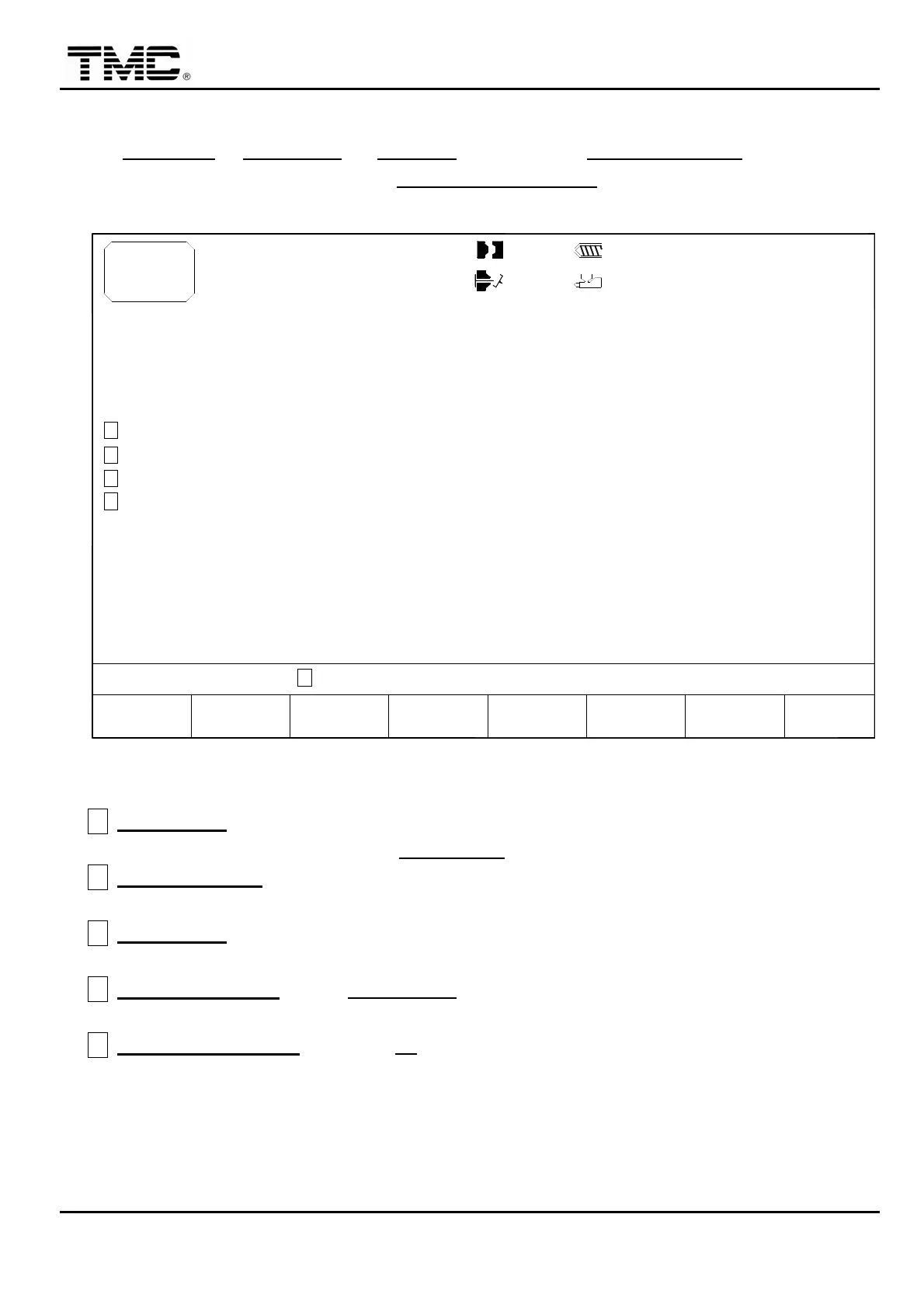
Screen 4-23
A
BAD PARTS
:
When cushion monitor function is on
,
and the continuous defective parts
judged by cushion monitor is over BAD PARTS setting
,
alarm is fired.
B
PRESET TOTAL
:
When total production parts counter is reached
,
alarm is fired and
machine will stop production.
C
LOT COUNT
:
When counter is over
,
alarm is fired but machine will continue production
during alarm period.
D
PACKING SIGNAL
:
when LOT COUNT is reached
,
the time for alarm is determined by
packing signal value
E
F3 STOP STATISTIC
:
pressing F3 will suspend statistics
,
e.g.
,
counting of number of
products produced shall be suspended.


 To Next Page
 Loading...