Attention:
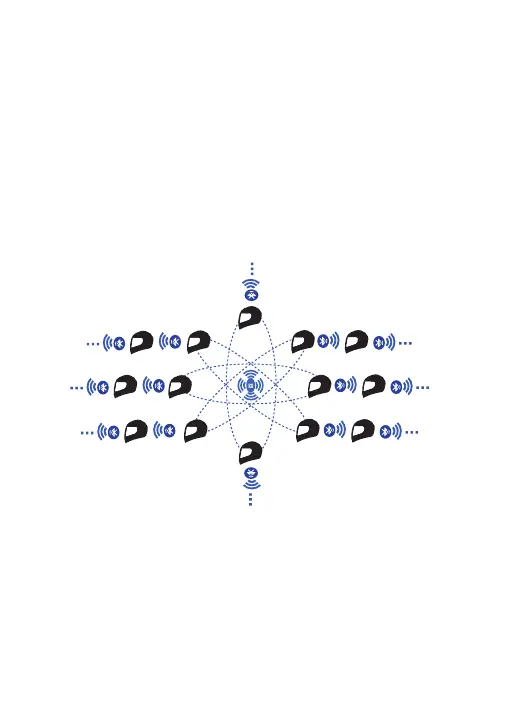
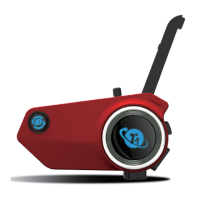
1) In the Mesh connection successfully, each T4 can connect with other
Bluetooth intercoms at the same time.
2) In Mesh on state, when encountering a group of Mesh intercoms that have
been paired before, the device will automatically connect with it and join the
group.
3) When T4 has no Mesh connection record, the device will automatically
search for a nearby mesh network after turning on Mesh, and join the group
automatically after searching.
Creating Mesh Intercom Groups
1) All devices on, long press the [Mesh button] for 3 seconds of them, voice
prompts " Mesh on", green light flashing quickly.
3) After connection succeeded, the green light flashes slowly, and the voice
prompts "Mesh connected".
2) Select any one device, long press its [Mesh button + intercom button] for 3
seconds, voice prompts " start the Mesh network ", enter the automatic
connecting state, green light on.
1.MESH multi-person pairing
Active/passive pairing steps:


 To Next Page