2
Welcome to the Toast family.
We’re so excited you’re here! Toast Hardware was developed to withstand the most demanding
restaurant conditions - spills, grease, and heat - so your restaurant is always running at full
speed. With a restaurant-grade structure, best-in-class processing speeds, intuitive layout and
sleek design, Toast Hardware makes it easier for you to run your restaurant, delight guests and
generate revenue.
Use this guide to install your new Toast Hardware. We designed setup to be completed within 30
minutes with intuitive, simple packaging, color-coded wiring and easy-to-follow instructions.
If you are pre-live, reach out to Toast Onboarding. If you are post-live, reach out to Toast Support.
Before Getting Started
Starting with a fresh surface
makes it easier to install!
Clean your counter,
make sure your counter space
is cleared and wiped down.
Unplug your current POS
hardware and remove it from
the counter so your counter
space is completely clear.
Wipe down the countertop
with the alcohol wipe
provided in your box.
Choose Your Bundle
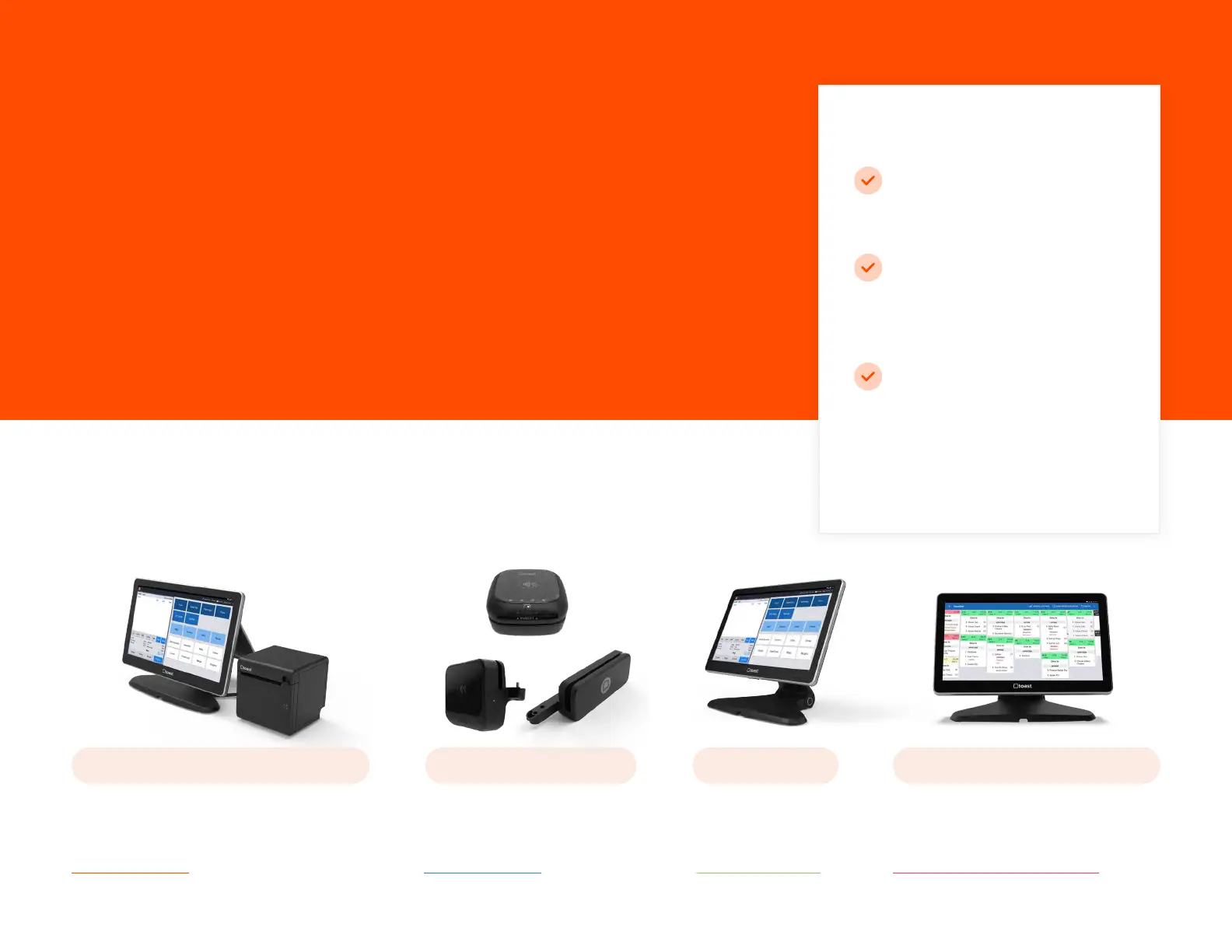
You’ll follow the installation instructions for the hardware bundle you purchased.
TOAST FLEX + TOAST PRINTER CARD READERS TOAST FLEX TOAST FLEX FOR KITCHEN
Purchased a Toast Flex
terminal andToast Printer?
TURN TO PAGE 4
Purchased a Card Reader?
TURN TO PAGE 8
Purchased just a
Toast Flex terminal?
TURN TO PAGE 12
Purchased a Toast Flex for Kitchen?
TURN TO PAGE 14 (On-Stand)
TURN TO PAGE 15 (Mounted)


 To Next Page
 Loading...


