8
Toast Flex + Toast Printer
FINAL STEPS
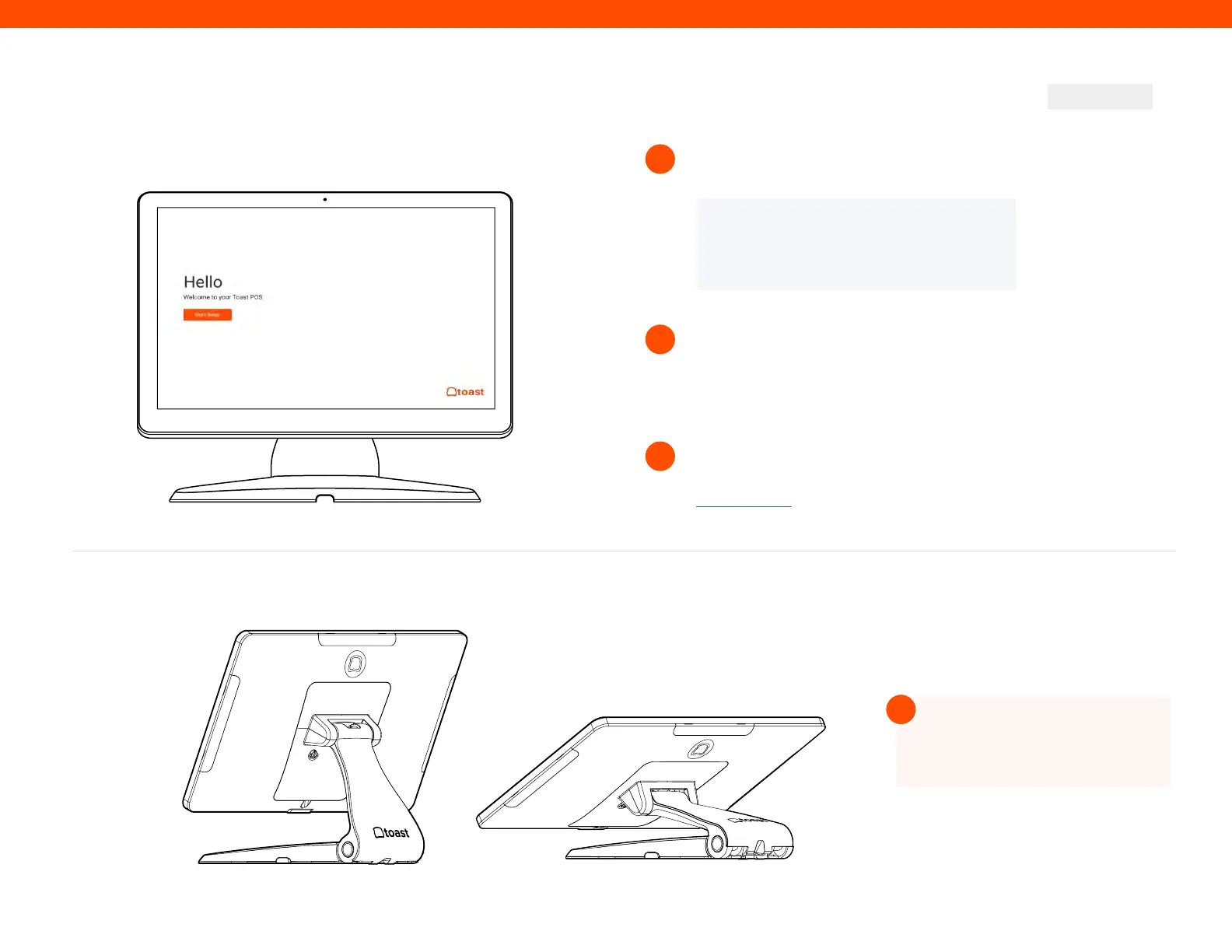
Log into your restaurant in the Toast App
and complete basic setup.
12
13
NOTE
You may need to update the Toast App
when you open it for the first time.
Turn on EMV. EMV must be turned on to accept payment
on your new Toast system. See page 10 for EMV set up
instructions.
Follow Toast setup instructions
TIP
Your new Toast Flex stand
can be raised higher or lower!
!
Step 12
Your Toast Flex + Toast Printer are set up!
14
If you have any additional printers to set up, this is done via
the Printer Setup feature in the Toast app. Please check out
Toast Central for further information.



 To Next Page