7
10
Set up payment using one of the options below:
B
A
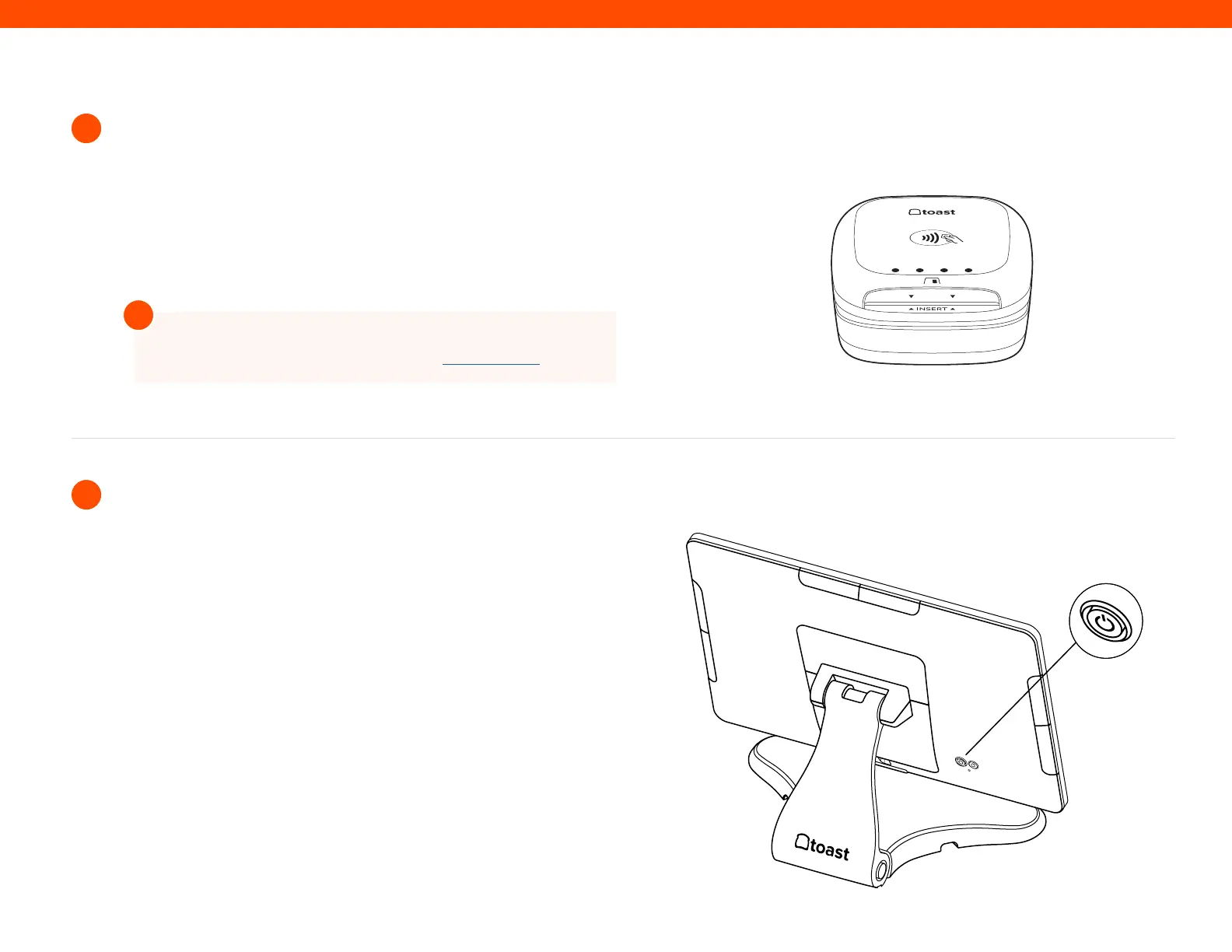
If you are attaching your Toast Tap to your Toast Flex and Toast
Printer set-up, plug the USB-A end on your cable into your Toast
Printer.
If you have Toast Tap (Direct Attach to Toast Flex), this will already
be adhered to your Toast Flex terminal.
For more information on Card Reader set up search “Toast
Tap On-Counter Installation Guide” in Toast Central
!
Power on the Toast Flex terminal and follow the Toast setup
instructions that appear. (See images on the right)
11
Power on your Toast Flex
Step 11
(On-Counter)
Toast Tap



 To Next Page