EasyManua.ls Logo

Toast PCI - N_Security.Php; Meraki Router; Ubiquiti Access Point

Default Icon
44 pages
Print Icon
To Next Page IconTo Next Page
To Previous Page IconTo Previous Page
Loading...
n_security .php
POI Device Vendor
Ingenico
POS Device Model and Number
iCMP
PCI PTS Approval #
4-20235
POI Device Vendor
Magtek
POS Device Model and Number
eDynamo
POI Device Vendor
Magtek
POS Device Model and Number
Dynamag
POI Device Vendor
Elo
POS Device Model and Number
MSR E1001002
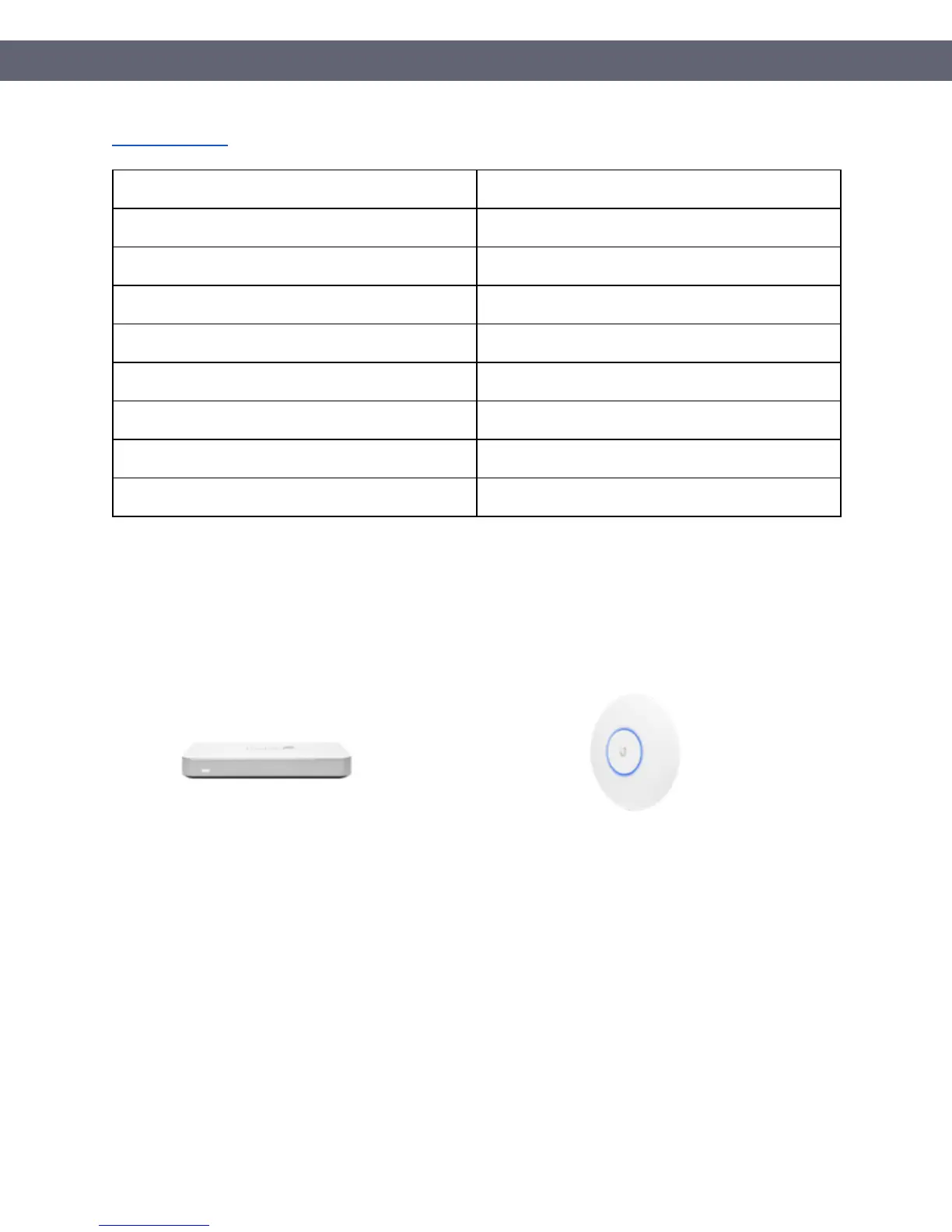
In addition to the Toast POS hardware, Toast recommends merchants purchase a Meraki router
and Ubiquiti Access points which will be used to setup an isolated network for the Toast POS
solution.
Figure 2: Meraki Router
Figure 3: Ubiquiti Access Point
To use Toast POS solution, you must have an Internet connection already in place prior to the
solution’s deployment.
PCI Instruction Guide
© Toast 2018
Page 9 of 44

Related product manuals